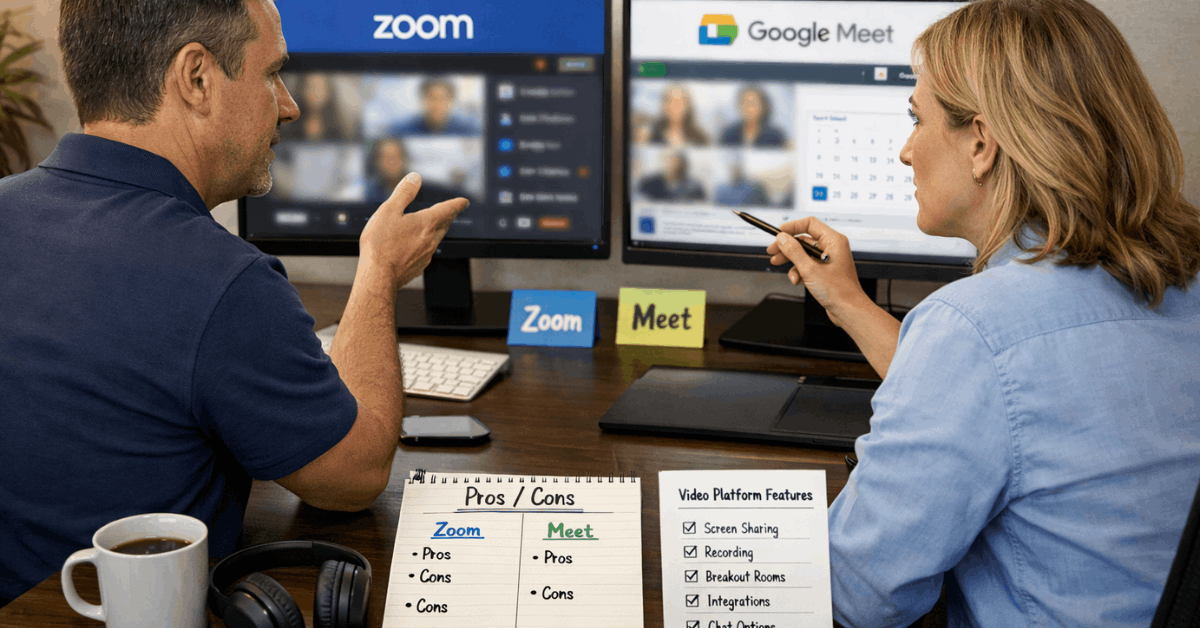
In real teams, the decision comes down to trade-offs, not hype. Zoom vs Google Meet shows two clear paths: Zoom favors control, scale, and event workflows, while Meet favors speed, simplicity, and tight Google integration.
For most day-to-day calls, browser-based video calls feel faster in Meet. For structured sessions and large audiences, Zoom’s toolkit pays off.
The right pick depends on meeting size, compliance needs, and how deeply your stack leans on Google Workspace or mixed SaaS.

Quick Answer: Who Should Choose What
Small teams that value zero-setup joining and native Docs, Sheets, and Slides collaboration lean Meet.
Distributed orgs that run trainings, webinars, or client events lean Zoom because host controls, whiteboards, and capacity scaling are stronger. Practical rule: pick the platform that fits daily workflow, not the one with more toggles.
Key Limits at a Glance
These caps change by edition and add-ons, so plan around today’s needs and next-step growth. Figures below reflect current public documentation and support pages in early 2026.
Google Meet vs Zoom comparison:
| Limit | Google Meet | Zoom |
| Participants cap (common paid tiers) | Up to 1,000 on eligible Workspace plans | 100 default on Pro, 300 on Business, higher via Large meeting add-on |
| Free meeting length | Group calls up to 60 minutes | 40 minutes |
| Paid meeting length | Up to 24 hours on eligible plans | Up to 30 hours |
| Recording on free plan | Not available | Local recording available |
| AI in paid plans | Gemini available as an add-on in Workspace editions | Zoom AI Companion included in paid plans |
Figures reference official pricing and support pages for Google Workspace and Zoom. Editions vary by region and contract.
AI and Automation In 2026
Teams that want AI summaries, action items, and in-meeting answers get more value bundled on Zoom. Zoom AI Companion is included in paid plans, expands across the suite, and continues to receive agent-style upgrades that offload busywork.
Workspace customers can add Gemini for notes, summaries, translated captions, and assistive tasks, although availability and pricing depend on the Workspace edition. Budget planners should confirm whether Gemini is bundled in their specific contract or sold as a separate add-on.
Host Controls, Security, and Reliability
Large or externally facing sessions benefit from Zoom’s granular controls. Waiting rooms, co-hosts, renaming permissions, screen-share policies, and breakout rooms allow disciplined facilitation at scale.
Meet keeps controls clean and focused, which suits internal syncs and classrooms where minimal setup matters most.
Both platforms support encryption in transit and enterprise administration across their suites. For risk-sensitive industries, confirm features against internal policy and regulator guidance rather than assuming parity.
Collaboration and Ecosystem Fit
Teams living in Calendar, Gmail, Drive, Docs, and Slides experience smooth handoffs in Meet. Co-editing during calls and Drive-native recordings reduce tool switching.
Mixed stacks often prefer Zoom’s marketplace depth for project management, CRM, design, and learning tools, aided by robust whiteboarding and breakout flows.
Jamboard’s wind-down shifted Meet’s whiteboard story toward partner solutions such as FigJam, Miro, and Lucidspark, which keeps brainstorming viable without Google’s legacy app.
Scheduling, Setup, and Joining Speed
Calendar-native scheduling keeps Meet friction low, particularly for guests who prefer a single click in the browser.
Zoom installs add a first-run step, yet the dedicated client often feels steadier under load and exposes more options up front.
Fast-moving teams that rotate devices and networks appreciate Meet’s minimal overhead, while program managers value Zoom’s predictable interface once the app is part of the standard image.
Recording, Storage, and Compliance
Meet recordings land in Drive on eligible Workspace plans, which simplifies retention and access policies inside Google’s admin model. Free Meet does not record.
Zoom enables local recording on the free plan and cloud recording on paid tiers, then scales retention with add-ons. Storage math matters, since Workspace Business editions provide pooled storage per user and Zoom Pro or Business include limited cloud capacity unless upgraded.
Confirm quotas, geographic residency, and retention settings with legal and IT before rolling out templates.
Webinars and Large Events
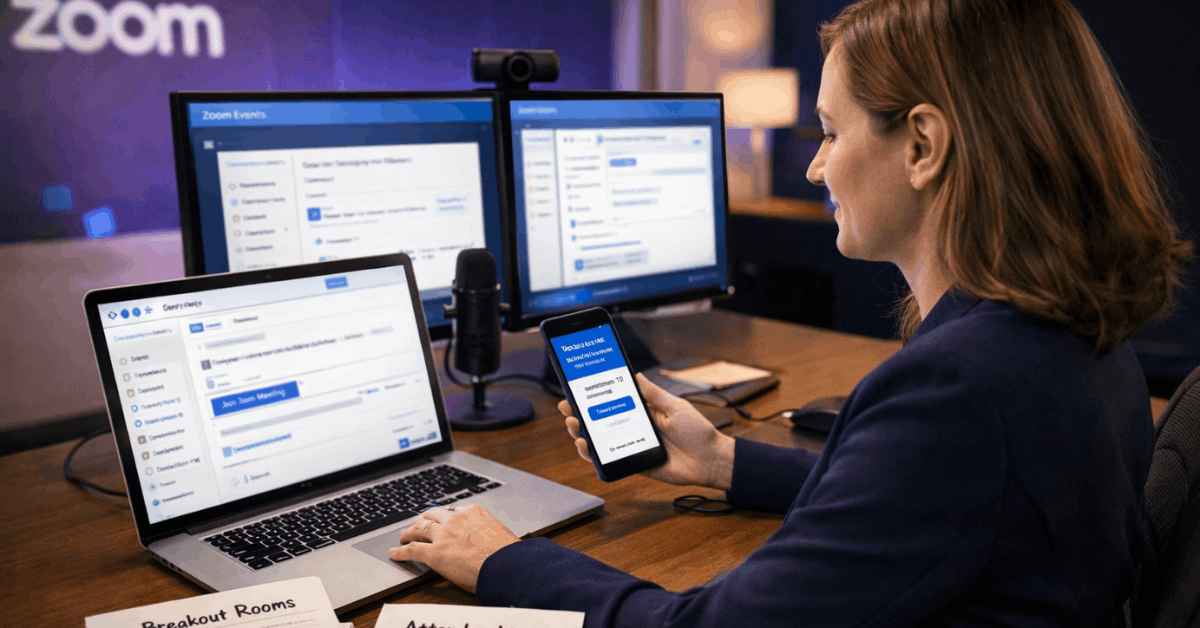
Zoom owns event workflows. Webinars, Sessions, and Events add registration, branded experiences, moderated Q&A, analytics, and higher caps through add-ons, making it suitable for launches and conferences.
Meet can support large meetings and internal live streaming on eligible Workspace plans, and it can stream to YouTube when enabled, which covers town halls and public briefings where interaction is limited.
Teams that require exhibitor hubs, sponsor placements, and backstage roles should default to Zoom.
Audio and Video Quality
Both platforms deliver clear VoIP audio over stable connections. For video, 1080p is widely reachable on Zoom for group meetings when enabled on eligible plans, and Meet now supports 1080p beyond 1:1 sessions for supported hardware, disabled by default until toggled.
Screen sharing depth differs: Zoom supports application-level sharing and second-camera inputs, while Meet’s Chrome-optimized flows cover window or tab sharing with system audio when needed.
Verify 1080p policies with admins because enablement sometimes requires a support request or admin toggle.
Pricing Summary
Short, practical framing helps budgeting conversations stay grounded. Figures reflect typical USD ranges; regional pricing varies.
Google Workspace pricing keeps Meet affordable across Business Starter, Standard, and Plus, then expands features and participant limits on Enterprise. Licensing also covers Gmail, Drive, Docs, and security features that many teams already need.
Zoom pricing starts at Free for 100 participants and 40 minutes, then jumps on Pro and Business, with add-ons for Large Meeting, Webinars, and Events. AI Companion is included on paid tiers, which offsets separate AI spend for many teams.
Choose Using These Scenarios
Short guidance clarifies edge cases and avoids analysis paralysis.
- Startup or SMB inside Workspace. Select Meet to prioritize low cost, Drive recordings on paid tiers, and near-instant joins.
- Training, workshops, or client cohorts. Select Zoom to use breakout rooms, polls, and whiteboards that keep engagement high.
- Public webinars or conferences. Select Zoom for registration, branding, scalable attendee caps, and event analytics.
- Mixed SaaS stack, heavy integrations. Select Zoom to tap marketplace depth and meeting add-ons, including Large meeting add-on for capacity bursts.
- Long free calls vs free recording. Select Meet for longer free group calls, select Zoom for local recording on the free tier.
Final Verdict
Choose Google Meet for simplicity, choose Zoom for capability. Meet removes setup friction, fits neatly inside Google’s suite, and covers most internal meetings without ceremony.
Zoom earns its price for collaboration-heavy work, rigorous host control, and event-grade delivery. Neither platform solves pre-work or follow-through on its own, so consider an AI meeting assistant for automated notes, summaries, and action capture if accountability across teams is a pain point.
Stable ops come from matching the tool to the meeting, tightening admin policies, and training hosts so sessions start on time and end with decisions.