
A useful Bitwarden review starts with the moment a password manager has to work: logging into a banking app on a new phone, sharing a household Wi-Fi password, or removing a departing employee.
Bitwarden keeps logins, passkeys, cards, secure notes, and identities in one encrypted vault across devices. Its low price is appealing, but the better question is whether its daily habits suit the people who must use it.
That answer depends on setup, sharing needs, and how smoothly autofill behaves.
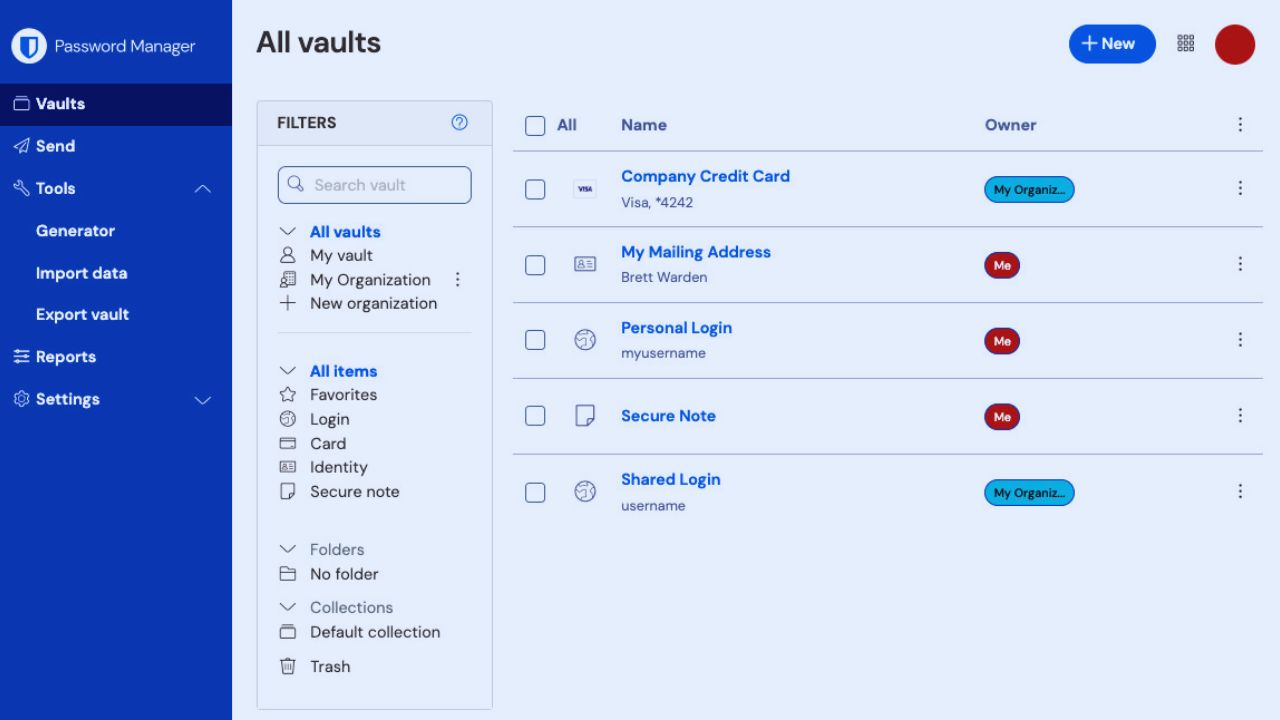
The Free Plan Covers the Part Most People Need First
Free accounts store unlimited passwords and work across unlimited devices, which removes the usual pressure to choose between a computer and phone.
That makes it a smoothly autofill behaves.
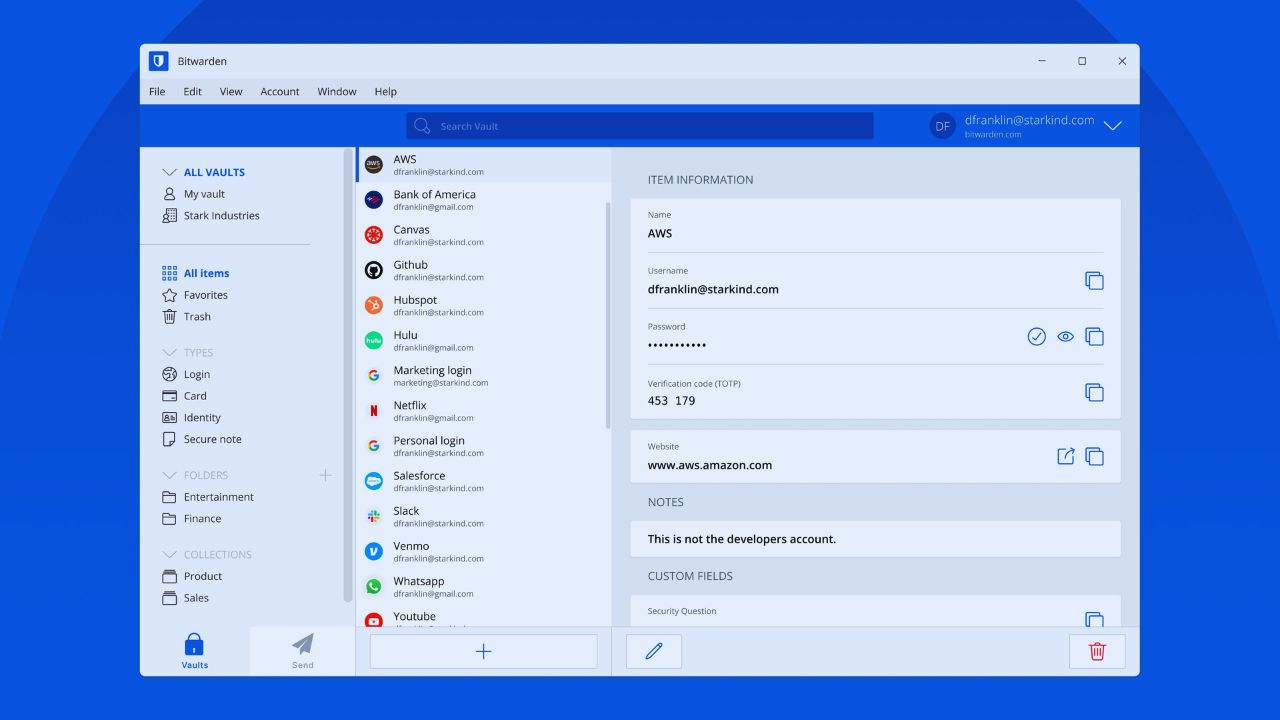
The Free Plan Covers the Part Most People Need First
Free accounts store unlimited passwords and work across unlimited devices, which removes the usual pressure to choose between a computer and phone.
That makes it a sensible starting point for someone leaving browser-based password storage.
A user can generate unique credentials, keep passkeys, and sync them across apps without paying immediately. The important work is building better password habits, not collecting every paid feature on day one.
Sharing Is Possible, but the Free Limit Is Narrow
A free organization lets two people share items, but it has only two collections. That can work for a couple sharing internet, streaming, utility, or travel accounts without exposing personal vault items.
It becomes cramped when a household needs separate collections for bills, children’s services, devices, and recurring subscriptions.
Keep personal credentials outside the shared area, and name shared entries clearly so temporary access does not become permanent by accident.
Premium Is Still Inexpensive, but Needs a Closer Look
Bitwarden Premium now costs $1.65 per month, billed annually at $19.80.
That price includes an integrated authenticator for time-based codes, emergency access, vault health reports, expanded two-step options, and encrypted attachments.
They may matter to anyone with important accounts but are not necessary before the basic vault is organized. Think of Premium as a way to improve account recovery and security review, not a reason to rush past the free plan.
Families Solves the Problem That Individual Premium Does Not
An individual Premium subscription does not itself create broad shared-vault access.
The Families plan costs $47.88 annually, includes six Premium accounts, and allows unlimited sharing within the family organization.
That is more suitable for households managing school portals, insurance accounts, subscriptions, and emergency contacts together. Before subscribing, decide which logins genuinely belong to everyone and which should remain individually owned; a shared vault should provide useful access, not erase privacy.
Strong Encryption Does Not Rescue a Weak Personal Setup
Bitwarden uses zero-knowledge, end-to-end encryption, meaning vault data is encrypted and the service does not have access to the keys needed to decrypt it.
Its code is open source, but that is not a substitute for careful use. A reused master password, an unlocked laptop, or a phishing page can still undermine a sound system. Security improves when the technical design is matched by ordinary caution every day.
Also Read: Figma Performance Differences You Should Know
The Master Password Needs a Recovery Plan
Because of the zero-knowledge model, Bitwarden cannot retrieve or reset a forgotten master password.
Choose a long, unique passphrase that you can remember, and avoid storing it in the vault it unlocks.
Turn on two-step login, keep recovery information in a safe offline place, and consider emergency access. These steps can feel slow at first, yet account recovery is far easier to plan than a locked-out vault is to repair later.
Autofill Is Usually Convenient, but It Should Not Replace Attention
The browser extension and mobile apps can fill stored credentials and support passkeys, reducing the need to type sensitive information repeatedly.
Still, do not approve every prompt just because the extension recognizes a similar page.
Check the web address, especially when a login page arrives through an unexpected message or search result. Bitwarden can reduce typing errors, but phishing awareness remains a human responsibility.
A Few Settings Prevent Much of the Early Friction
Install the browser extension in your main browser, enable mobile autofill, and test one or two familiar sites before moving every login.
Use the password generator for new accounts instead of editing an old favorite password.
When a site does not fill as expected, open the extension and verify the saved address before changing settings at random. This small routine makes autofill behavior more predictable and keeps vault cleanup manageable.
Before You Import Anything, Decide What Deserves a Place in the Vault
Imports are helpful, but browser lists can contain duplicate entries, forgotten trials, outdated usernames, and passwords that should be retired.
Start with the high-risk accounts that would cause immediate trouble if lost: email, banking, work access, shopping, and government services.
Then clear old records in batches rather than making the vault look complete in one afternoon. This is a practical moment to set three security foundations:
- Create one memorable, unique master passphrase.
- Turn on a strong second login factor.
- Keep a tested recovery plan outside the vault.
Business Plans Matter When Sharing Must Survive Staff Changes
Teams at $4 per user per month and Enterprise at $6 per user per month are billed annually.
They add organizational sharing, event logs, directory synchronization, and provisioning features; Enterprise also adds options such as passwordless SSO and self-hosting flexibility.
An IT administrator can remove access when a role changes instead of chasing shared spreadsheets, inboxes, and browser profiles. That creates cleaner offboarding and more consistent access control.
Self-Hosting Is a Governance Choice, Not a Shortcut
Self-hosting can suit organizations with regulatory, contractual, or data-location requirements.
It also creates operational responsibilities: server maintenance, patching, backups, monitoring, and an owner when something fails.
Bitwarden’s cloud service is usually simpler for teams without that capacity. Choose a self-hosted deployment only after security and IT staff can explain why it is required and who will run it over time.
Value Shows Up When the Vault Becomes Part of Normal Life
Bitwarden is a strong fit for people who want unlimited device coverage without paying before they understand password-manager habits.
It is also useful for families and businesses that need controlled sharing without a confusing pile of exported files. Its interface may fee more utilitarian than some polished competitors, and users who expect every form to fill perfectly may need patience.
Start with core logins, review your sharing rules, and let reliable use guide the plan choice instead of feature anxiety.












