Picking between Calendly and Acuity Scheduling feels straightforward until the trial ends. That’s when the billing model quietly starts shaping everything about how your team grows.
Every comparison article covers features. Few talk about which platform’s pricing structure punishes growth and which one rewards it.
The Calendly vs Acuity Scheduling debate splits cleanly along one line: are you selling meetings or selling time? Getting that wrong costs more than a monthly subscription.
This guide breaks down where each tool wins for a specific type of user. No “it depends” filler. Just direct picks based on how each platform handles real workflows in 2026.
Who Should Use Calendly and Who Should Use Acuity
The split between these two platforms maps to a single question about your revenue model. If your business runs on internal coordination and external meetings, Calendly fits that world. If your business charges clients for time blocks, Acuity was built for that.
Calendly for Meeting-Led Teams
Sales teams, recruiters, customer success managers, and marketing coordinators live inside Calendly. The platform handles multi-host scheduling, round robin assignment for inbound leads, and routing rules that push each booking to the right person without anyone touching a spreadsheet.
Enterprise teams also get role-based permissions, SSO, and admin controls that satisfy IT compliance reviews. I think Calendly’s routing feature is the single biggest differentiator against Acuity, because it eliminates the manual triage step where leads sit unassigned in shared inboxes for hours.
Acuity for Appointment-Led Businesses
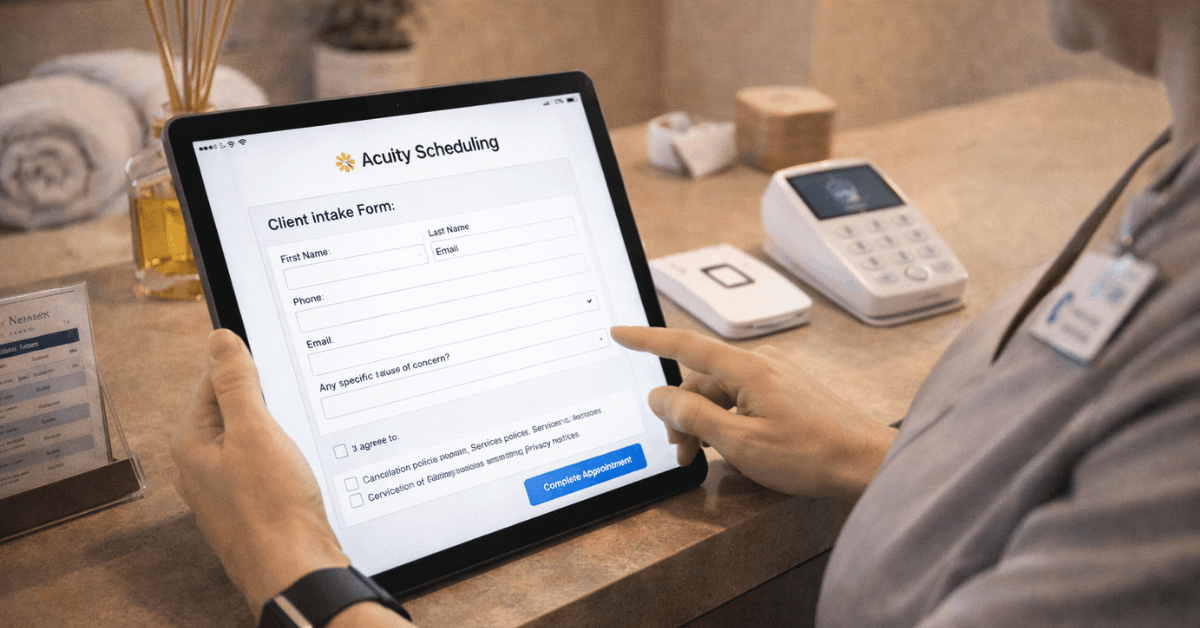
Salons, clinics, coaching practices, yoga studios, and private therapists run on Acuity. The platform stores client profiles with appointment history, notes, and intake form data. Packages, memberships, tipping, gift certificates, and coupon codes are all built in.
The Square POS integration ties in-person payments back to the calendar. That connection means the front desk staff can check someone out and book their next appointment on the same screen. Squarespace owns Acuity, so embedding on a Squarespace site takes about two minutes.
Calendly vs Acuity Scheduling: Daily Workflow Differences
Both platforms handle the basics: time-zone detection, buffer times between appointments, automated reminders, and payment collection through Stripe or PayPal. The differences show up once you move past a single-person calendar.
How Calendly Handles Team Coordination
Calendly’s collective scheduling pulls availability from multiple team members and shows only the overlapping slots. Round robin distributes inbound requests evenly, and meeting polls let groups pick times without the email chain.
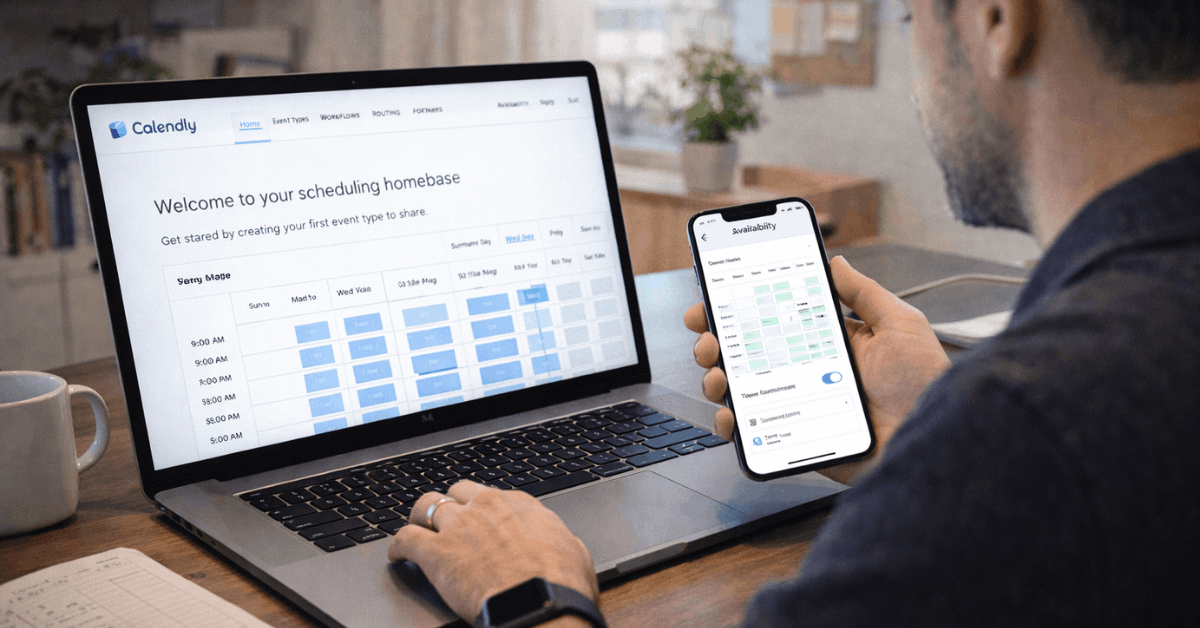
The workflow automation engine sends confirmations, reminders, and follow-ups without additional tools.
Routing can qualify a lead based on form answers, match them to a specific team member, and surface the right booking page instantly. That sequence replaces what most teams do manually across Slack, email, and a CRM.
How Acuity Manages Client Appointments
Acuity extends scheduling into client relationship management. Multi-location calendars can reflect room availability, provider shifts, and equipment constraints. Intake forms capture structured data once, which reduces prep work for recurring clients.
Deposits protect high-value time blocks against no-shows. Group classes and plan-based offerings let studios sell sessions in bulk. For a five-person yoga studio or a barbershop with three chairs, Acuity replaces what would otherwise require a scheduling tool, a payment processor, and a basic CRM.
Integration Ecosystems Compared
The integration list is where these two platforms stop looking like competitors and start looking like tools built for completely different industries. Knowing which ecosystem each one plugs into saves trial-and-error during setup.
Calendly connects to these categories of tools:
- Video conferencing: Zoom, Google Meet, Microsoft Teams, GoToMeeting, Webex
- Sales and recruiting: Salesforce, HubSpot, Gong, Greenhouse, JazzHR
- Productivity: Monday.com, LinkedIn Messaging, Microsoft Teams Chat
Acuity connects to a different set:
- Payments and retail: Stripe, PayPal, Square (including POS support)
- Accounting and email: QuickBooks, Constant Contact
- Website and social: Squarespace, Facebook, Instagram booking
For large teams running Salesforce and HubSpot, Calendly cuts the manual data entry between calendars and CRM records.
For service businesses already on Square, Acuity keeps payment and scheduling in one loop. My take on the Calendly integrations page is that the breadth matters less than depth: three integrations you use daily beat thirty you never touch.
Also read: Google Drive vs OneDrive: Which Service Is More Reliable Long Term?
Pricing Structure: Per Seat vs Flat Fee
This is the part of the Calendly vs Acuity Scheduling comparison that changes everything for growing teams. The billing model determines whether adding your third or fourth staff member doubles your software cost or changes nothing.
| Factor | Calendly | Acuity Scheduling |
|---|---|---|
| Free Plan | Available (basic features) | Not available (trial only) |
| Billing Model | Per user, per month | Flat monthly fee per plan |
| Trial Length | About 14 days | About 7 days |
| Entry Pricing | Low-teens USD per user/month | Around $20 USD per month/plan |
| Best Fit | Teams needing routing and enterprise controls | Businesses needing packages, POS, and memberships |
The takeaway: a five-person service business pays roughly $65+ per month on Calendly’s lowest paid tier but around $20 on Acuity’s entry plan.
That math flips for a solo consultant who only needs basic scheduling. Calendly’s free plan covers one event type and simple booking, while Acuity requires a paid subscription after the 7-day trial. I would push a solo coach toward Calendly’s free tier and a three-person clinic toward Acuity’s flat fee without hesitation, because the per-seat model penalizes exactly the kind of gradual staff growth that small service businesses go through.
The Free Plan Trap Nobody Discusses
I disagree with the common advice to “just start on Calendly’s free plan and upgrade when you need to.” The free tier limits event types, strips out reminders, and removes integrations.
Teams build habits around those constraints. Six months later, they’ve created workaround processes that make switching to Acuity (or even upgrading within Calendly) feel harder than starting fresh.
A 7-day or 14-day paid trial of the platform that matches your billing model gives you a cleaner read on long-term fit than months of adapting to free-tier limitations.
Security and Compliance: HIPAA vs SOC 2
Compliance matters when your calendar touches client health data, candidate information, or financial records. Calendly holds ISO 27001 and SOC 2 Type 2 certifications, plus GDPR and PCI considerations. Admin controls, audit capabilities, and SSO support satisfy enterprise security reviews.
Acuity takes a different compliance path. Higher-tier plans include HIPAA-eligible features, which opens the door for therapists, counselors, and certain healthcare providers.
Intake forms on Acuity can capture protected health information within a HIPAA-compliant framework. If your practice needs HIPAA-compliant scheduling, that narrows the choice fast.
Mobile Apps and Booking Entry Points
Both platforms offer iOS and Android apps for managing schedules away from a desk. Browser extensions let team members share availability inside email threads. The real differences come down to where bookings originate.
Calendly covers major conferencing tools natively. A booking automatically generates a Zoom, Teams, or Google Meet link. For organizations standardized on Microsoft 365, that native Teams integration removes a friction point that slows adoption.
Acuity leans into social and retail entry points. Bookings can flow directly from Instagram profiles and Facebook pages into the calendar. For a nail studio or personal trainer, that Instagram booking button converts followers into clients without redirecting them to a separate website.
How Much Time Does Each Platform Save?
A Total Economic Impact study attributed more than 9,000 hours saved over three years to Calendly in external booking contexts. Those gains came from fewer email exchanges, faster lead handoffs, and lower no-show rates through automated reminders.
Acuity’s time savings are harder to measure in a single number because they’re concentrated in a different place: consolidation.
Client intake, scheduling, payment, and rebooking happen on one screen. For front desk staff rotating through shifts during high-volume days, that consolidation removes the context-switching that eats 15 to 20 minutes per transition.
The distinction matters. Calendly saves time across departments by connecting systems. Acuity saves time within a single workflow by collapsing steps.
Quick Decision Guide for Calendly vs Acuity Scheduling
Matching your scenario to the right platform takes less time than most trials:
- Go with Calendly if multi-host demos, round robin, and routing rules are central to daily operations
- Pick Acuity if packages, deposits, POS, and client intake forms drive revenue
- Favor Calendly if enterprise security, admin controls, and video conferencing dominate requirements
- Choose Acuity if a flat monthly fee covering multiple calendars beats per-seat pricing for your team size
Questions People Ask About Calendly vs Acuity Scheduling
Q: Can Acuity Scheduling handle multi-person meetings like Calendly?
Acuity supports group classes and events, but it lacks Calendly’s collective scheduling and round robin assignment. If your workflow requires multiple internal hosts on one call, Calendly handles that natively while Acuity would require manual coordination.
Q: Does Calendly have a built-in client database?
No. Calendly focuses on scheduling and pushes client data to connected CRMs like Salesforce or HubSpot. Acuity stores client profiles, appointment history, and notes directly inside the platform, which can replace a basic CRM for small service businesses.
Q: Is Acuity Scheduling HIPAA compliant?
Acuity offers HIPAA-eligible features on higher-tier plans, which makes it suitable for certain healthcare scheduling needs. Calendly does not currently offer HIPAA compliance, so therapists and medical practitioners should verify Acuity’s HIPAA plan details on the official site before committing.
Q: Which platform is cheaper for a team of five?
Acuity’s flat monthly fee covers multiple calendars under one plan, typically costing around $20 to $50 per month depending on the tier. Calendly charges per seat, so five users on its lowest paid plan run roughly $65 or more per month. The gap widens as team size grows.
Q: Can I switch from Calendly to Acuity mid-year without losing data?
There is no direct migration tool between the two platforms. Client data, booking history, and workflow configurations need manual recreation. Testing both during their trial periods before committing prevents the sunk-cost trap of switching six months in.
Conclusion
The Calendly vs Acuity Scheduling choice comes down to how your business makes money, not which feature list looks longer. Meeting-led teams that coordinate across departments will find Calendly removes the most friction from their daily workflows.
Appointment-led service businesses selling time, packages, and memberships will get more value from Acuity’s consolidated client and payment tools. Start the trial that matches your billing model, and let the first week of real usage make the call.