
A useful Notion review begins after the excitement of a new template fades.
That is when a client request or meeting decision must be found again during an ordinary workday. Notion keeps notes, tasks, and references close without scattering them across apps.
It also needs enough care that a simple workspace does not become another job. It suits people whose work moves between notes, planning, and follow-up.
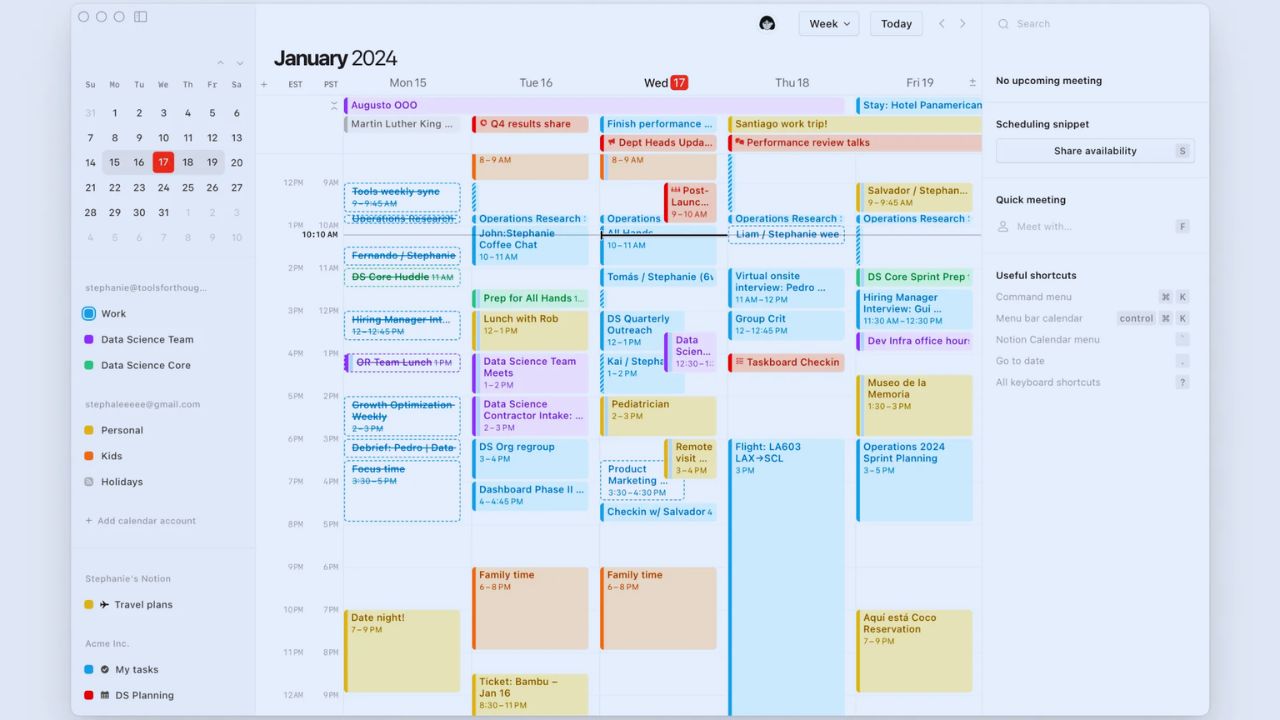
The Blank Page Stops Being Helpful When Nothing Has a Home
A blank workspace feels generous because almost anything can become a page, database, or linked record.
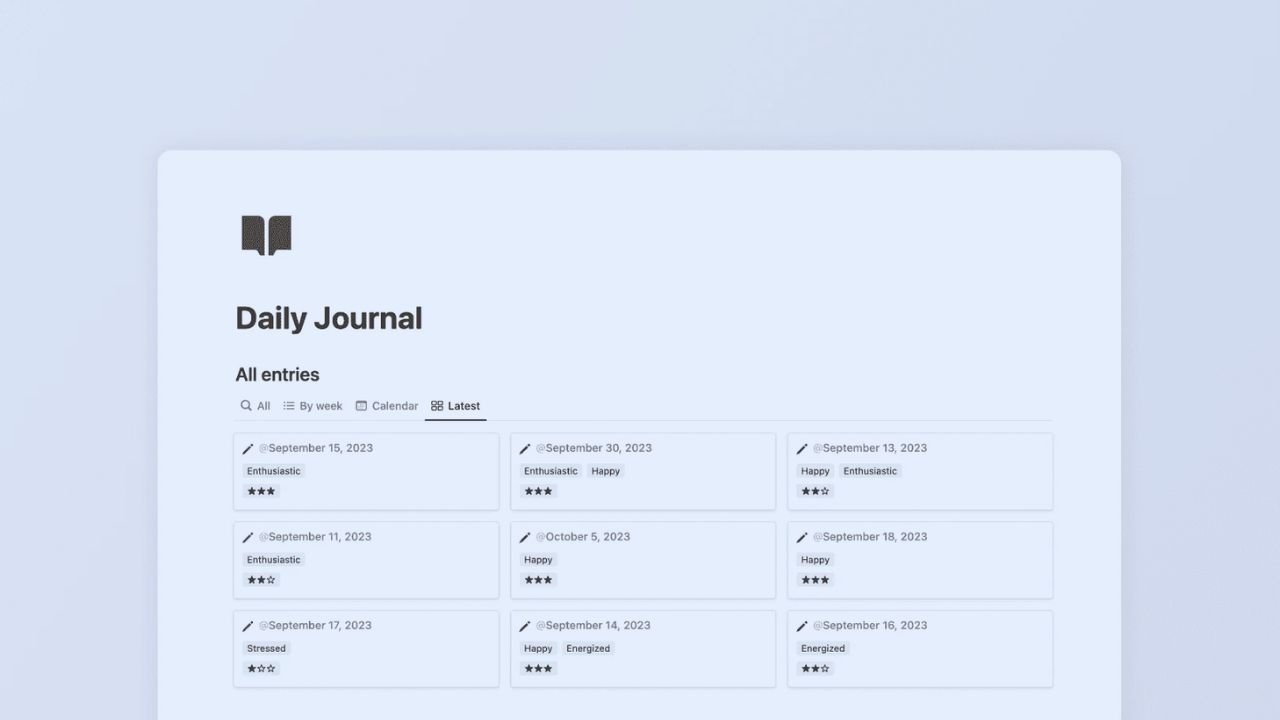
Trouble begins when a client detail appears in meeting notes, a project page, and a personal task list.
Give each type of information one default home, then link to it instead of copying it. That protects the work’s actual trail and makes cleanup less dramatic when a project changes hands.
Begin With the Moment You Usually Lose Track of Something
For some people, it is a task promised on a call; for others, a research link saved nowhere useful. Build around that moment.
A consultant might keep a client page with deliverables, notes, and next steps, while a student could start with a course page and reading list.
A familiar problem gives the setup direction, and repeatable use shows whether it helps. The first version should take minutes, not an evening of design.
Notes Become More Valuable When They Lead Somewhere
Notion is strongest when a note does not end as a note.
A product idea can point to customer feedback, a brief can sit beside its draft, and a meeting page can contain the decision that changes a task. Not every paragraph needs a relation or property.
Use plain pages for thinking and add a connection only when someone will need it later. That restraint keeps busy pages readable.
Databases Are Useful After a List Starts Asking Questions
A database earns its place when one collection needs different answers.
An editorial team may need a deadline calendar, an editor’s review list, and a board for pieces awaiting approval. A private journal does not need that machinery.
Begin with owner, stage, and date, then add only meaningful properties when a real question cannot be answered without them. A lean structure is easier to explain when someone joins.
Tasks Can Disappear Inside a Beautiful System
A tidy dashboard can hide work as easily as a messy notebook. Tasks vanish when they sit in long pages, have no date, or use a status nobody checks.
Put current work in one view you open daily, and keep project notes nearby rather than in the same list.
That makes today’s priorities clearer without losing the context behind them. A short review prevents it.
The Desktop Does the Building; Mobile Handles the Moment
Desktop is usually better for arranging databases, creating templates, or revising a project structure.
A phone works well for a quick capture, comment, photo, or small status update while details are fresh.
Trying to manage wide tables or complicated permissions on a phone creates frustration.
Build mobile-friendly views for quick actions and leave workspace maintenance for a larger screen. That keeps capture fast without making administration feel cramped.
Offline Pages Help Most When You Prepare Them Before Leaving
Notion lets people download pages for offline use on desktop and mobile, then sync edits after a connection returns.
That is useful on a train, at a site visit, or during travel. Still, download the materials you truly need and test them before leaving.
Treat offline access as planned backup, not proof that every complex database will work exactly as it does online. Test one page before relying on it.
Also Read: Jasper Is This Tool Overhyped or Actually Useful?
Collaboration Works Only When Decisions Return to the Record
Comments and mentions help, but the final answer must land where the next person can find it.
A manager can discuss a deadline in chat and then record the date on a project page; an editor can leave feedback beside the right paragraph.
This protects people absent from the conversation. Good collaboration is visible follow-through, not more places to talk. It also helps new colleagues understand what changed.
Use Templates to Protect Repeated Work, Not to Decorate It
Templates help with a client kickoff, content brief, weekly review, or recurring meeting. They give people a sensible starting structure when time is tight.
Avoid elaborate public dashboards with ten parts nobody owns. Remove what does not guide action, keep the useful prompts, and let the actual routine decide what remains.
The Most Common Friction Is Usually Too Much Structure
Notion can handle pages, linked databases, properties, views, forms, and integrations. That range becomes tiring when every small activity becomes a process.
Crowded pages, large rollups, and several nearly identical dashboards slow the workspace and its users.
Archive old work, hide unused fields, and simplify the next task before adding more. Less visual noise often produces faster decisions.
Not Every Job Belongs in the Workspace
A flexible hub does not need to replace a specialist task manager, help desk, accounting platform, or design file system.
Notion may hold the brief, decision log, process notes, and project overview while another tool remains the official record.
Those boundaries reduce double entry. The goal is connected context, not one tool pretending to own everything.
Give It One Normal Week Before You Build a Headquarters
Test it with live work: a client, course module, content cycle, or household project.
Capture new information, reopen it later, assign one task, and make a small change from your phone.
Then notice what returns to chat, a notebook, or another app. These checks focus on daily behavior, rather than template appeal:
- Can you find the current decision quickly?
- Can someone see the next owner without asking?
- Does any field create work without value?
A Good Setup Becomes Quietly Dependable
Notion may fit people who need notes, tasks, references, and simple records to stay connected as work changes.
It may be less comfortable for anyone wanting a fixed task list, detailed resource planning, or a system with fewer decisions from the outset.
Start with one recurring problem and build only far enough to solve it. Over time, the useful workspace keeps the next step clear without demanding attention every day.












