In security-first workflows, a password manager needs to earn trust every day. 1Password stands out because it combines strong encryption, organized vaults, smooth apps, and practical sharing controls.
This review looks at pricing, features, privacy design, setup, and real daily usability. The goal is to explain whether 1Password is a strong fit for individuals, families, and small teams that want safer password habits without too much friction.
Quick Verdict and Who It Fits Best
1Password is easy to recommend for people who want strong security with a clean user experience. It works especially well for households, frequent travelers, and users who want separate spaces for private and shared accounts.
Its strongest points are vault organization, Watchtower alerts, Travel Mode, secure sharing, and reliable cross-device access. The main drawbacks are the lack of a permanent free plan, possible currency or billing friction, and support that leans more on email and help docs than live agents.
Best for Families and Organized Users
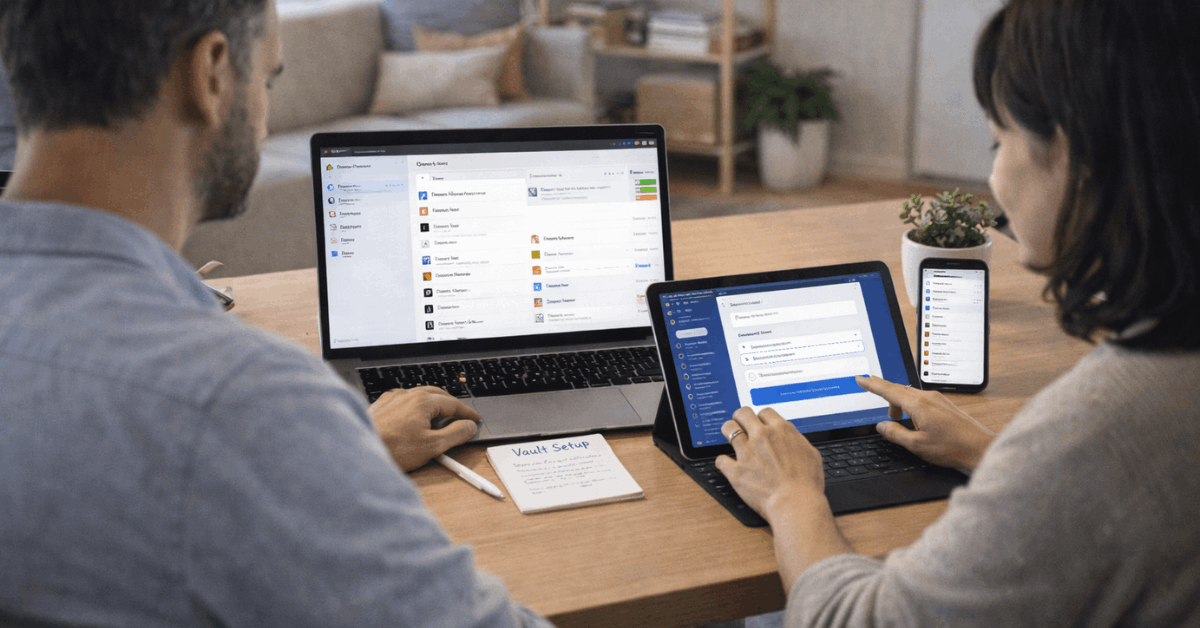
1Password is a strong option for families that need shared access without exposing every personal account. Shared vaults can hold streaming logins, utilities, travel accounts, or household services.
Private vaults can keep banking, health, work, and personal items separate. This structure makes it easier to share safely without copying passwords into chat or notes.
Less Ideal for Free-Only Users
1Password is not the best match for users who only want a free password manager. Some competitors offer free plans that may be enough for basic storage and autofill.
Cost-sensitive users should also check renewal terms, currency conversion, and billing cycle details before committing. If price is the main priority, comparing cheaper alternatives makes sense.
Pricing and Trial Expectations
1Password keeps its plan structure fairly simple, with individual and family options as the most common starting points. Annual billing usually offers a lower effective monthly cost than month-to-month billing.
The trial period can help users test the app before paying, but it should be used actively. A quiet trial with no real imports, sharing, or autofill tests will not reveal much.
Look Beyond the Monthly Price
The displayed monthly cost may not tell the full budgeting story. Some users may be billed annually, and some regions may see charges settle in U.S. dollars.
That can affect the final amount after conversion rates, taxes, or bank fees. Before subscribing, users should check the checkout page carefully and compare the full yearly cost.
Use the Trial With Real Tasks
The best way to test 1Password is to use it with real accounts. Import a few logins, install the browser extension, save a new password, and try autofill on your most-used sites.
Families should also create one shared vault and test item sharing. This gives a clearer picture of whether the app fits daily habits.
Core Features in Daily Use
A password manager should make secure behavior easier, not harder. 1Password does this by combining password generation, autofill, vaults, secure notes, payment cards, identities, and document storage in one place.
The interface feels organized enough for careful users but simple enough for everyday use. It works best when users set it up properly and allow it to replace risky habits like browser-only password storage.
Also Read: Zoom: Testing the Tool Without Ideal Conditions
Password Generator and Autofill
The password generator helps users create strong, unique credentials with little effort. When signing up for a new account, 1Password can suggest a password and save it into the right vault.
Autofill then handles routine sign-ins and basic forms across supported apps and browsers. Some edge-case sites may still require manual attention, but normal daily use is usually smooth.
Import, Export, and Organization
Migration is important because many users arrive from browsers or other password managers. 1Password offers guided import options so users can move existing logins into the app.
Export options are useful for backups or portability, but unencrypted files should be handled carefully. Once inside 1Password, vaults help separate personal, work, family, and sensitive items.
Security, Privacy, and Real Trust Signals
Trust is the biggest reason to choose a paid password manager. 1Password uses a security model built around encryption, a master password, and a Secret Key.
This makes account protection stronger than relying on a password alone. Users still need good habits, but the tool gives them a safer structure to work with.
Encryption and the Secret Key
1Password protects vault contents with strong encryption and requires the user’s master password to unlock them. The Secret Key adds another layer that helps protect the account if server-side data is ever exposed.
This setup improves security but also makes recovery details important. Users should store the Emergency Kit safely because losing key access information can create serious recovery problems.
Watchtower and Security Alerts
1Password’s Watchtower helps users improve password hygiene over time. It can flag weak, reused, or exposed passwords and point out accounts that may support stronger security options.
These alerts are useful because most people do not manually audit every login. 1Password turns security cleanup into a visible, manageable routine.
Use this quick decision check before choosing 1Password:
- Test autofill on your most-used websites.
- Create private and shared vaults.
- Store the Emergency Kit safely offline.
- Check the full annual renewal cost.
- Decide whether email-based support is enough.
Sharing, Travel Mode, and Emergency Access
1Password is especially useful when passwords need to be shared safely. Copying passwords into messages, spreadsheets, or screenshots creates unnecessary risk.
Shared vaults and controlled links reduce that risk while keeping access convenient. Travel and emergency planning features also make the app more practical than a basic password storage tool.
Sharing Without Oversharing
Secure sharing lets users provide access to selected items instead of entire vaults. Families can share household accounts while keeping sensitive personal accounts private.
Small teams can also benefit when shared logins need clearer ownership. The best setup uses separate vaults for different groups and purposes.
Travel Mode and Emergency Kit
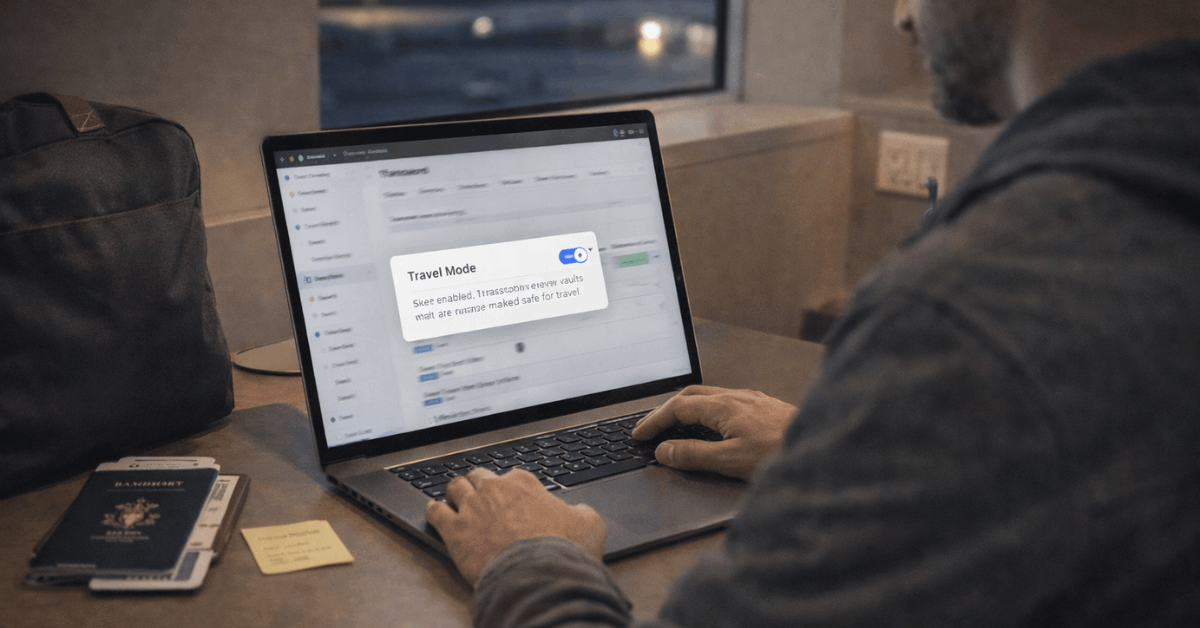
Travel Mode is one of 1Password’s most distinctive features. It lets users mark certain vaults as safe for travel while keeping more sensitive vaults off the device temporarily.
This can be useful during border crossings, device inspections, or trips where loss or theft is a concern. The Emergency Kit supports recovery planning by giving trusted people a safer path to access important details if needed.
Setup, Apps, and Support Experience
1Password works across major desktop and mobile platforms, plus common browsers. The apps are polished, and new-device setup is usually straightforward once users understand the master password and Secret Key.
Browser extensions cover most everyday actions for people who live inside web apps. The experience is strongest when users install both the app and extension rather than relying on one alone.
Learning Curve Is Manageable
New users may need a short adjustment period. Vaults, shared access, Secret Keys, and Travel Mode are simple once explained, but they may feel unfamiliar at first.
Users moving from browser-saved passwords will need to build new habits. The guided setup helps, but the first few days still matter.
Support Has Clear Limits
1Password offers documentation, community help, chatbot guidance, and email-based support. This is enough for many routine issues, especially setup questions and recovery guidance.
However, users who expect instant live-agent support may feel limited. Businesses with urgent support needs should review available plan options before rolling it out widely.
Bottom Line on 1Password
1Password is a polished, secure, and practical password manager for people who want safer daily habits without a messy setup. Its best features include strong encryption, organized vaults, reliable autofill, Watchtower alerts, Travel Mode, and family sharing.
Its biggest drawbacks are paid-only long-term use, possible billing friction, and limited live support. For individuals and families who value controlled sharing and cross-device reliability, 1Password remains a strong long-term choice.