Spending three hours on a podcast edit only to realize episode 14 sounds nothing like episode 10 is a specific kind of frustration. The pacing drifts. The audio quality shifts. And nobody watching can explain why the show feels “off.”
Creators chasing consistent results with Descript usually land on the tool after burning out on timeline-based editors. The promise sounds almost too clean: edit words, not waveforms.
But weekly creators need more than a clever interface. They need the same output quality on a Tuesday deadline that they got on a relaxed Saturday session.
Descript has been building toward that promise since its early transcript-editing days. The question for 2026 is whether the tool has matured enough to deliver repeatable quality across dozens of episodes without a rescue pass in Premiere.
How Descript’s Text-First Editing Changes Your Consistency Game
The core idea behind Descript is radical if you’ve spent years dragging clips on a timeline. Delete a sentence from the transcript, and the corresponding audio and video disappear. Move a paragraph, and the cut rearranges itself. That single mechanic changes how consistency works in practice.
Transcript-Driven Cuts Keep Pacing Predictable
Traditional timeline editors let you eyeball waveforms and guess where the cut should land. That guesswork is where pacing drift sneaks in. On a Monday you’re precise. On a Friday you’re rushing. The edit points shift.
Descript’s text-based video editing removes that variable. The cut always lands at the word boundary. For podcasters and educators cranking out weekly episodes, this means episode 30 has the same sentence-level pacing as episode 3.
I would argue that text-based editing matters more for consistency than any AI cleanup feature Descript offers, because pacing errors compound across a season while a single noisy recording is a one-off fix.

Speaker Labels Speed Up Multi-Voice Projects
Auto transcription generates the master script, and speaker labeling tags each segment to the right voice. Panel shows, co-hosted podcasts, and interview formats benefit here because segments attach to specific speakers without manual relabeling every episode.
Accuracy on clean audio is high enough for quick cleanup. Jargon-heavy recordings and noisy environments need more correction, so recording conditions still matter.
Studio Sound, Overdub, and the AI Cleanup Stack
Descript bundles several AI tools that directly affect whether your output sounds the same across mixed recording setups. The difference between a treated home office and a hotel room mic session used to be obvious to listeners. These tools close that gap, though they don’t erase it completely.
Studio Sound: Normalizing Messy Audio Across Episodes
Studio Sound regenerates the voice signal while suppressing room noise, echo, and mic-specific coloring. The practical result: a creator recording on a Shure SM7B one week and a laptop mic the next gets closer output quality between the two.
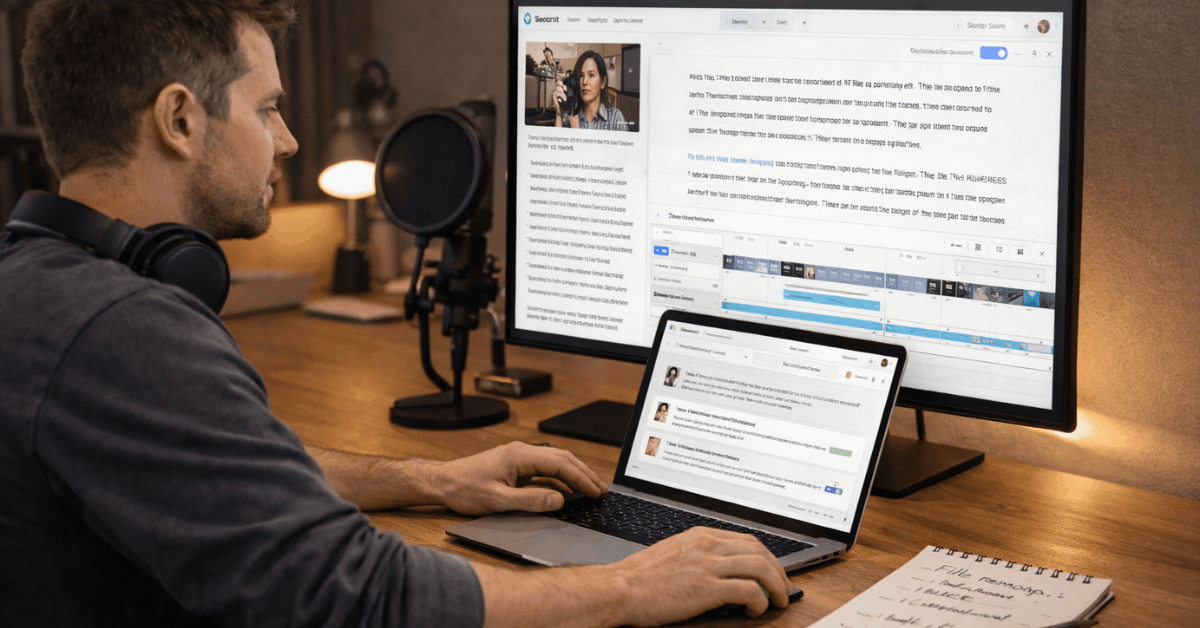
This matters for teams where multiple people record in different locations. The audio still won’t be identical, but the gap narrows enough that a listener won’t notice the switch mid-episode.
Overdub for Small Narration Fixes
Descript Overdub lets you type a corrected line and render it in your own trained voice. Missed a product name? Said “2025” instead of “2026”? That fix takes seconds instead of scheduling a re-record.
Trial Overdub is available on lower-tier plans with limited vocabulary. Higher tiers expand the feature. For weekly creators, the math here is simple: one skipped re-recording session per month pays back the subscription cost in saved time.
Underlord: Bulk Editing Without Style Drift
Descript Underlord is the AI co-editor that takes prompts like “make a 20-second promo focusing on benefit X” or “hide jump cuts using zooms.” The consistency angle is less obvious but more powerful than it sounds.
A solo creator making 8 social clips from a single long-form episode will introduce style variation if they manually cut each one. Underlord applies the same logic across all clips. The output looks like one person made them all in one sitting, even if they didn’t.
Descript Pricing and Plans: Picking the Right Tier in 2026
Matching a plan to your actual output volume prevents two problems: overpaying for unused AI credits, and hitting export ceilings mid-project. The tiers break down along media hours, AI credit allotments, and export resolution, so knowing your monthly recording volume is the first step.
Check Descript’s pricing page directly before committing, because plan summaries can show slightly different details during redesign periods.
| Plan | Media Hours | Export Resolution | Standout Feature |
|---|---|---|---|
| Free | ~1 hour/month | 720p | Tryout tier, limited AI credits |
| Hobbyist | 10 hours/month | 1080p watermark-free | Studio Sound, filler word removal |
| Creator | 30 hours/month | 4K | Expanded AI credits, social cutdowns |
| Business | 40 hours/month | 4K | Brand controls, translation, dubbing |
| Enterprise | Custom | Custom | SSO, regulated compliance, admin tools |
The Hobbyist tier is the sweet spot for solo weekly podcasters or light YouTubers producing under 10 hours of raw footage monthly. Creator makes more sense once you’re producing multiple shows or generating social cutdowns alongside long-form content.
Also read: Shopify vs Squarespace: Which Service Handles Growth Better?
Where Descript Delivers and Where It Falls Short
No tool does everything well, and the creators who get burned are the ones who force Descript into workflows it wasn’t built for. Knowing the edges of its capability is how you avoid re-editing entire projects in a second application.
Descript thrives in these areas:
- Speech-driven formats like podcasts, explainers, and talking-head videos where transcript editing maps cleanly to the final cut
- Social clip batching through the Clips feature, which formats segments for Shorts, Reels, and TikTok while keeping layout and captions consistent
- Team brand consistency through reusable templates, lower-thirds, and locked brand elements that prevent junior editors from improvising
The tool struggles in these situations:
- Long multi-hour projects can lag on the timeline, making a traditional NLE better for finishing passes on documentary-length content
- Advanced motion graphics and color grading require DaVinci Resolve or After Effects because Descript has no color pipeline
- No mobile editing app exists as of 2026, which blocks teams that need to approve or trim cuts on tablets between sessions
- Browser support favors Chromium (Chrome, Edge, Opera), so Safari-heavy environments run into friction
Should I Finish My Edit in Premiere or Stay in Descript?
The default advice floating around every creator forum says the same thing: “Use Descript for your rough cut, then finish in Premiere Pro or DaVinci Resolve.”
I think that advice is wrong for talk-first content, and here’s the specific reason: jumping to a traditional NLE for finishing introduces a second set of editing instincts that breaks the consistency Descript’s transcript model created.
I would keep a weekly podcast or explainer channel entirely inside Descript through final export, because every time content moves to Premiere for “polish,” pacing decisions get re-made by eye instead of by text. That reintroduces the exact drift the tool was built to prevent.
The handoff to a traditional NLE makes sense for one type of project: anything requiring cinematic color grading, compositing, or motion graphics that Descript cannot handle. Product launches, brand films, and short documentaries fall into that category. A weekly talking-head show or interview podcast does not.
The smarter workflow for those hybrid cases: lock the transcript edit and all AI cleanup inside Descript, export the approved master, then do only color and compositing in your NLE.
Send final captions back to Descript for social variants. That division keeps the transcript-first consistency intact while still accessing tools Descript lacks.
Screen Recording, Captions, and Clip Packaging
Descript’s built-in screen recording plus timed captions creates accessible explainers and tutorials without moving files between apps. The Clips feature is where weekly batch creators get the most mileage. It surfaces highlights from a long session and formats them for platform-specific dimensions.
Templates and optional AI avatars help camera-shy creators maintain a consistent visual presence across training modules or product announcements. The avatar feature is limited in tone range, so test it against your content style before committing to a full series built around it.
Creators who lock their template, caption style, and Underlord prompts early will see tighter output across a content calendar. The ones who tweak settings every episode will wonder why nothing looks cohesive. Descript’s official feature overview covers the full tool list and current limitations.
Questions People Ask About Descript Consistent Results
Q: Can Descript handle a full podcast season without quality dropping off?
Absolutely, as long as your source audio stays reasonably clean. Studio Sound closes gaps between recording environments, but it can’t rescue audio captured on a speakerphone in a parking garage. Plan your recording setup and the software will keep pace.
Q: Does Descript work on Safari or Firefox?
The web app runs best on Chromium-based browsers like Chrome, Edge, and Opera. Safari users will hit friction. The desktop app avoids browser issues entirely, so that’s the safer choice for Mac users who prefer Safari for everything else.
Q: Is the free plan enough to test Descript properly?
One media hour monthly gives you a feel for the transcript editing workflow and basic AI features. But it’s too limited to judge consistency across multiple episodes. The Hobbyist plan at 10 hours is where a real test begins.
Q: Can Descript replace Premiere Pro completely?
For talk-first formats like podcasts, tutorials, and explainers, yes. For projects needing advanced color grading, compositing, or motion graphics, Premiere or DaVinci Resolve still owns that territory. The decision comes down to content type, not software loyalty.
Q: How does Descript Underlord compare to editing manually?
Underlord applies the same style logic across batch outputs, which a human editor can do but rarely does under deadline pressure. The trade-off is less granular creative control per clip. For high-volume social cutdowns, that trade-off pays off.
Conclusion
Consistent results with Descript depend more on how you set up templates than on the software itself. Locking your Underlord prompts and caption styles early prevents the slow drift that plagues weekly creators.
Talk-first content is where this tool earns its keep, so let your format guide the decision. The creators who treat Descript as a finishing tool, not a rough-cut stepping stone, get the steadiest output.