Webflow positions itself as a professional visual development platform, and support quality needs to match that ambition.
Across real builds, tickets, and forum threads, the experience depends on knowing which channels to use, what each plan covers, and how to frame issues for fast, useful replies.
Expect clear wins in documentation and community depth, alongside practical limits on real-time, human assistance for non-enterprise accounts.

How Webflow Support Works
Clear expectations cut down on frustration and speed up getting things resolved. below outlines the main options and explains where each one works best.
Official Channels
Email tickets remain the default for authenticated troubleshooting, covering billing, workspace questions, Designer behavior, and publishing or domain issues.
Status and incident notes inform whether a platform problem is already tracked, which helps avoid duplicate tickets. For billing or plan questions, account verification is required, so have workspace and site IDs ready.
Community-Driven Help
The forum and broader Webflow community function as an extension of support, especially for layout decisions, interactions, and custom code snippets.
Threaded replies, readymade clones, and targeted screenshots often surface working patterns faster than starting from scratch.
For learning gaps, Webflow University delivers structured video lessons and written guides that resolve many “how do I build this” questions without waiting on a queue.
Enterprise Support
Larger programs add a named point of contact, defined response targets, and coordinated change windows. Security reviews, procurement templates, and data processing documentation move more smoothly under this track.
For revenue-critical sites, this tier is the practical route to predictable turnaround and prioritized incident handling.
Response Speed and Quality
Resolution time depends on clarity, reproduction steps, and whether the issue is product behavior or site-specific implementation.
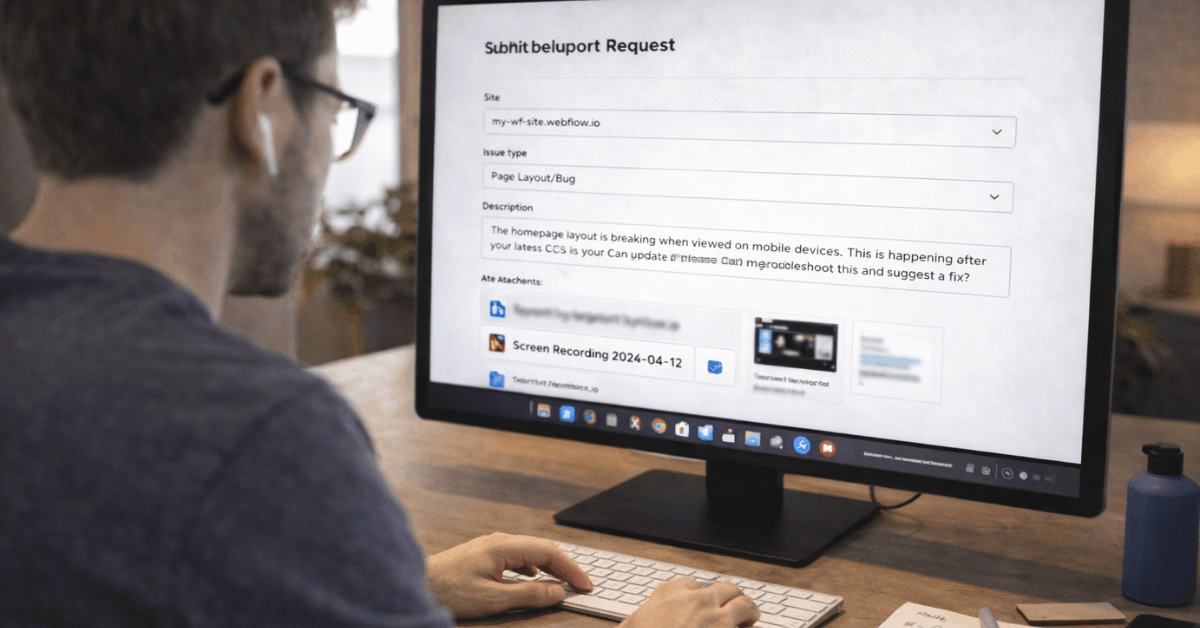
Well-formed tickets include a published preview link, page and element identifiers, a short screen recording, and timestamps of when the problem occurs. For suspected bugs, attaching the browser version, OS, and a minimal reproduction project accelerates engineering review.
Quality of answers trends high for platform features and known patterns. Tickets that mix product questions with custom code or third-party scripts often take longer because root cause lives outside supported scope.
What Customer Support Handles Well
A few categories consistently receive crisp, actionable guidance.
- Publishing errors tied to DNS, SSL, or conflicting A/CAA records get precise fixes and validation steps.
- CMS collection limits, pagination behavior, and reference field relationships receive clear explanations and viable workarounds.
- Designer quirks involving flex, grid, z-index stacking, or interaction triggers get reproducible steps and alternative patterns.
- Workspace and site plan clarifications include eligibility, member roles, and upgrade paths that align with growth.
- Accessibility and performance basics receive checklists that improve Lighthouse scores without risky changes.
Learning and Self-Serve Resources
Documentation and education carry a heavy load in this ecosystem. Webflow University covers fundamentals like the box model, positioning, responsive breakpoints, and interaction timelines, which reduces how often you need a human on the other end.
The Webflow community showcases cloneable projects that reveal working structures, class naming, and interaction logic, making “view and adapt” a fast path to solutions.
For content-heavy builds, guides around Webflow CMS design and schema planning prevent rework during scale-up.
Where Users Get Stuck Most
Support requests cluster around a few recurring themes.
- Complex interactions that conflict across breakpoints, especially when mobile overrides fight desktop settings.
- Third-party script collisions that break forms, carts, or analytics when the load order changes.
- E-commerce tax, shipping, and multi-currency requirements that exceed native settings and require integrations.
- Role separation across workspaces that limits who can edit collections, publish, or manage hosting settings.
- SEO edge cases relating to pagination, canonicals, and structured data on dynamic templates.
Pricing and Plan Effects On Support
Plan selection influences both technical limits and support expectations. Starter workspaces and free sites rely almost entirely on documentation, the forum, and non-sensitive general questions.
Paid workspaces and site plans bring ticket-based assistance for account-specific issues, while enterprise contracts layer on SLAs and named contacts.
Budget planning should separate Webflow pricing for hosting or CMS capacity from the value of faster, higher-touch help when uptime or launch timelines carry revenue impact.
Webflow For Teams: Roles and Hand-Offs
Marketing, design, and engineering collaborate more smoothly when each role understands permission boundaries.
Editors handle content updates in the Editor, designers build and refine components in the Designer, and administrators manage plans, billing, and publishing rights.
For agencies or distributed teams, a change log and limited publishing windows reduce overlap that can trigger last-minute rollbacks. Clear ownership reduces the volume of support tickets and shortens triage when something breaks.
Webflow Vs WordPress For Support
A concise comparison clarifies where each platform’s help model feels stronger.
| Area | Webflow Support Model | WordPress Support Model |
| Primary help path | Central docs, email tickets, forum, University | Distributed docs, plugin authors, host support |
| Speed for core issues | Consistent for product features | Varies by theme, plugin, and host |
| Ownership of stack | Tight integration across builder, CMS, and hosting | Many vendors across themes, plugins, and hosting |
| Enterprise options | Contracted SLAs and account teams | Host-dependent enterprise offerings |
| Community patterns | Cloneables and structured courses | Massive forums and third-party tutorials |
Set Up Tips For Faster Resolutions
Small prep steps produce outsized gains when an issue appears.
- In every new project, keep a “Diagnostics” page to test forms, interactions, and third-party scripts in isolation.
- For complex pages, document layout intent using quick notes on sections and components so another person can trace logic.
- When DNS changes are planned, schedule them during low-traffic windows and export current records to a safe place.
- During QA, test authenticated experiences across two real devices and one throttled network to catch timing-related bugs.
- After opening a ticket, attach a minimal reproduction; reducing noise around the bug saves hours on both sides.
Who Benefits Most From The Model
Teams that prefer self-serve learning, documented patterns, and asynchronous help will feel at home.
Designers comfortable with HTML and CSS concepts resolve layout problems quickly using Webflow University and community clones.
Agencies running repeatable site types gain leverage from consistent components, clean class systems, and clear support boundaries. Enterprises managing brand, security, and uptime across regions gain the most from formal escalation paths.
Where The Model Falls Short
Real-time conversations are limited for non-enterprise plans, which slows troubleshooting when incidents demand shoulder-to-shoulder debugging.
Deeply customized stacks that lean on heavy third-party JavaScript require vendor-to-vendor coordination outside Webflow’s scope.
Teams migrating large commerce catalogs or multi-locale content often need implementation partners to bridge platform features and business rules.
Final Take
In practice, Webflow customer support works best when paired with solid fundamentals and disciplined project hygiene.
Strong documentation, structured courses, and an active forum handle the bulk of questions, while email tickets resolve platform concerns with clear, reproducible details.
Enterprise programs add the safety net required for high-stakes launches. For builders who value visual development plus dependable self-serve help, the experience delivers. For organizations that need live, hands-on troubleshooting without enterprise commitments, expectations should be set accordingly.