In most teams, video messages replace long back-and-forth threads when speed matters. This Loom Subscription vs Free Plan Review gives a practical breakdown of limits, upgrades, and where the paid tiers actually save time.
Strong choices depend on storage caps, recording length, AI needs, and simple admin control rather than hype.
Subscriptions unlock unlimited recording, higher quality, branding control, analytics, and enterprise security. Pricing and caps below reflect current public pages and product docs checked in 2025–2026.
What The Free Plan Actually Includes
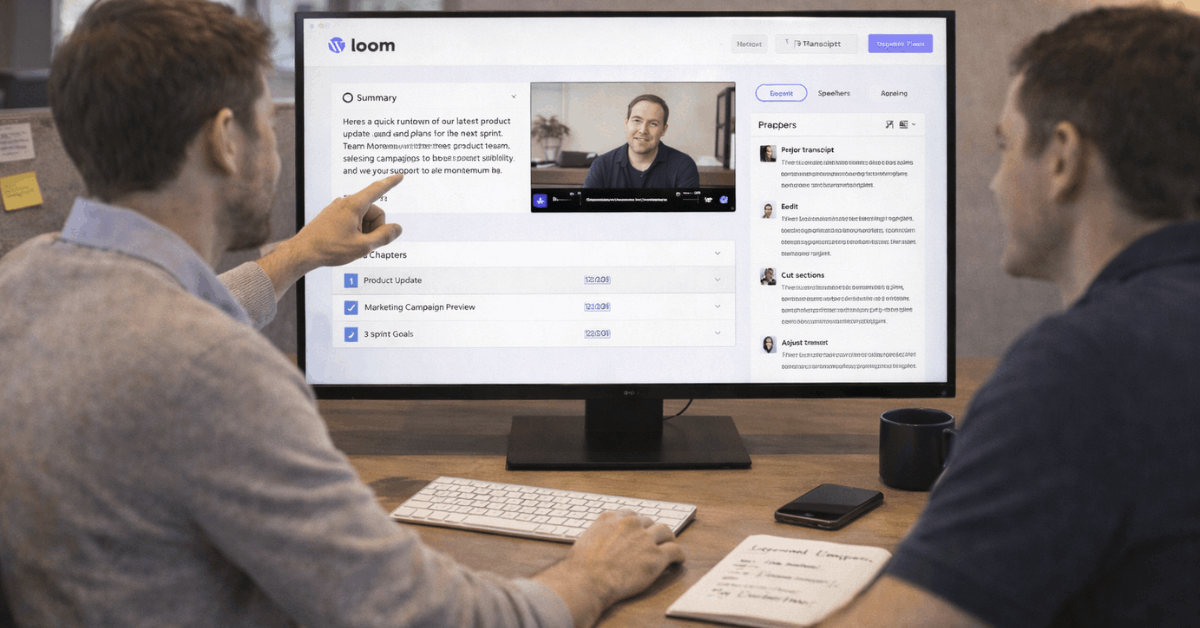
Starter is built for quick async updates and basic collaboration. Expect up to 25 stored recordings per person, a 5-minute limit per video, and video quality up to 720p. Viewer reactions and comments are enabled, and transcriptions cover 50+ languages for accessibility.
Workspaces can include up to 50 Creator Lite members, which is enough for a small org or course cohort during trials. Meeting captures are not capped in duration, so Loom meeting recordings can run long even on Starter, which helps for note-taking.
Loom free plan limitations matter when content grows. The five-minute cap forces retakes or stitching, and the 25-item storage ceiling pushes frequent clean-ups. Lack of branding control and limited editing also nudge power users toward paid plans once usage becomes daily.
What A Loom Subscription Adds
Teams upgrade for unlimited recording, better quality, and controls that reduce rework. The three paid paths differ mainly on AI scope and governance requirements. Pricing varies slightly between annual and month-to-month billing.
Business
Business removes time and storage caps while adding 4K capture, uploads and downloads, basic waveform edits, blur tools, custom branding, and exportable engagement data.
Annual billing lists $15 per user each month, while monthly billing shows $18 per user. That delta matters for short projects, although most teams recoup the annual plan through time saved on editing and re-recording.
These Loom Business plan features also include removing Loom branding and requesting an email to view for lightweight gating.
Business + AI
Business + AI layers automatic titles, summaries, chapters, filler-word and silence removal, and transcript-based edits over the Business toolkit.
Annual pricing is $20 per user per month, while the monthly rate is $24 per user, effectively making AI a $5 to $6 uplift on top of Business, depending on billing cadence.
Loom AI pricing, therefore, aligns with the Business + AI tier rather than a separate add-on on the current public pages.
Enterprise
Enterprise targets regulated or scaled environments. Expect SSO and SCIM, advanced privacy controls, admin insights, custom data retention policies, and an uptime SLA listed at 99.95 percent.
Integrations highlight Salesforce, and Atlassian-linked workspaces continue to expand as the post-acquisition migration proceeds.
Loom Enterprise security and governance features become the deciding factor where account capture, domain verification, and auditability are table stakes. Pricing is custom.
Quick Plan Snapshot
The table below summarizes the core limits and upgrades that influence daily work. Treat it as a sizing aide rather than an exhaustive matrix.
Plan Basics (Free vs Subscription)
| Item | Starter | Business | Business + AI | Enterprise |
| Per-video time | 5 minutes | Unlimited | Unlimited | Unlimited |
| Stored recordings per person | 25 | Unlimited | Unlimited | Unlimited |
| Video quality | Up to 720p | Up to 4K | Up to 4K | Up to 4K |
| Editing scope | Trim, stitch basics | Adds blur, branding, uploads/downloads | Adds AI titles, summaries, chapters, filler-word removal | Adds governance and admin features |
| Meeting recordings | Unlimited length | Unlimited length | Unlimited length | Unlimited length |
Details verified against the pricing page and help center documentation.
Which Plan Fits Common Use Cases
Teams move faster when the plan matches the job. Read these as realistic patterns rather than hard rules.
- Intro videos, quick feedback, or lightweight status checks fit Starter if the 5-minute cap feels workable and the 25-asset limit is monitored weekly.
- Recurring cross-functional updates, onboarding playlists, and customer handoffs land better on Business because unlimited recording removes mental overhead and 4K improves legibility on code or dense UIs.
- High-volume support, sales, and product ops benefit from Business + AI when auto-summaries, auto-chapters, and edit-by-transcript shave minutes off every deliverable.
- Security-conscious orgs or multi-workspace rollouts require Enterprise controls such as SSO, SCIM, and data retention to pass audits and centralize administration.
- Classroom programs or broad stakeholder viewing often prefer email-to-view plus branding removal to keep content presentable while tracking reach.
Hidden Costs and Gotchas
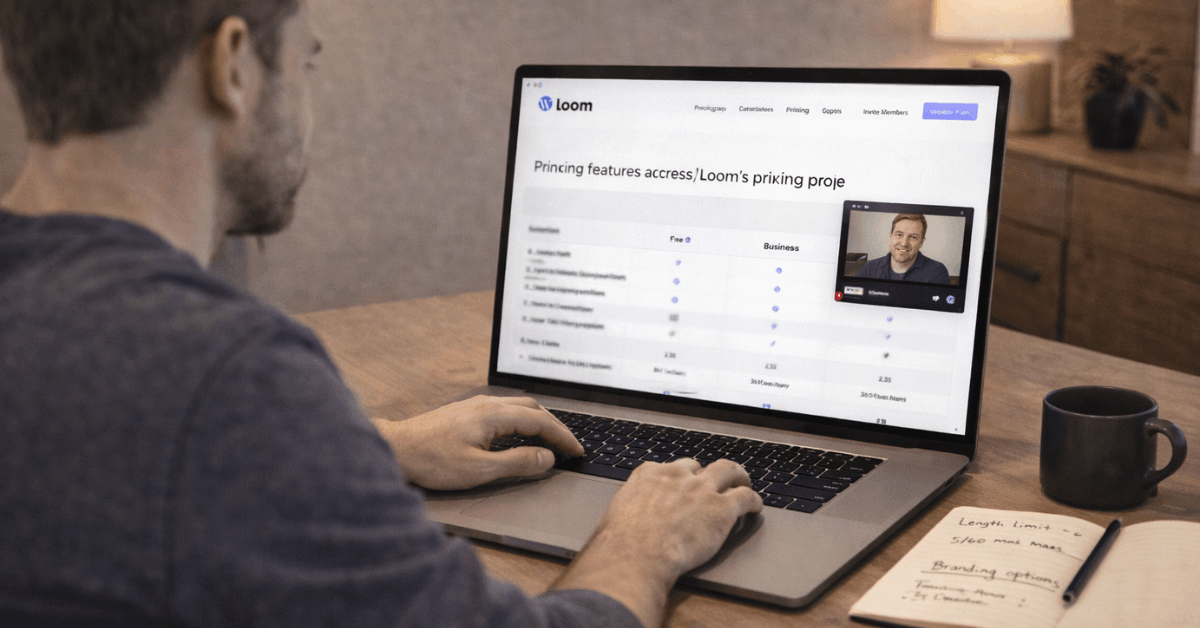
Business billed annually at $15 per user per month becomes $18 when paying monthly; Business + AI moves from $20 to $24 on the same basis. That spread grows on larger rosters and should be modeled before procurement approvals.
Brand Control
Removing Loom branding, adding a logo, and customizing player colors live behind paid tiers. If external-facing clips are part of customer journeys, Starter limits will surface in the first week.
Storage and Time Caps
On Starter, hitting the 25-asset ceiling introduces churn in libraries and tempts off-platform storage that breaks analytics. Unlimited recording time on paid tiers removes the “split across multiple takes” workaround that tends to lower clarity.
Workspace Size
Public docs show up to 50 Creator Lite seats on Starter, although certain Atlassian-integrated trials mention a 10-user constraint. Confirm your account’s integration state during evaluation if member counts matter.
Editing, Quality, and Collaboration Differences
Editing speed wins or loses adoption. Business introduces blur for sensitive data, uploads and downloads for outside edits, and custom thumbnails, which collectively reduce retakes and keep clips on brand.
Business + AI then removes filler words and silence, generates auto-chapters, and supports transcript-driven edits that cut manual trimming. Collaboration stays consistent across plans through comments, emoji reactions, and viewer insights, with paid tiers unlocking deeper engagement reporting.
Quality jumps are more than cosmetic. 4K capture on subscriptions keeps code, spreadsheets, and design details readable on large displays, which prevents re-recordings. Custom recording dimensions, camera frames, and virtual backgrounds expand presentability without extra tools
Where AI Helps and Where It Doesn’t
AI accelerates repetitive steps more than storytelling. Auto-titles, summaries, and chapters speed packaging; edit-by-transcript minimizes timeline scrubbing; silence and filler removal tightens pacing.
These gains compound in support libraries, enablement hubs, and customer education, where volume stays high.
Teams seeking “auto-create the whole video” should temper expectations, since planning and narrating still drive outcomes. Business + AI is best measured in minutes saved per clip across a month.
Loom vs Competitors at a Glance
Many suites now bake in recording and basic AI, yet Loom’s focus on async video, shareable links, and simple recording keeps it sticky for cross-functional work.
Supademo
Loom vs Supademo often comes up when teams want interactive, step-through demos alongside exports; Supademo’s free plan offers up to five interactive walkthroughs, and paid Scale starts at $38 per creator, which suits product tours more than general video messaging.
Claap
Sales and meeting-intelligence buyers bring up Loom vs Claap when coaching, CRM sync, and call analytics lead.
Claap positions tiers with AI summaries and coaching features that go beyond simple screen messaging, which can be a better fit for pipeline-driven teams. Treat these as parallel tools rather than direct substitutes unless the workflow is exclusively demos or sales calls.
Verdict: Who Stays On Free, Who Upgrades
Starter remains credible for small teams piloting async workflows, classroom intros, and short how-tos. It keeps costs at zero while enabling comments, reactions, and multilingual transcripts.
Once content becomes a weekly artifact or external-facing asset, Business pays for itself through unlimited recording, 4K clarity, and basic brand control. Business + AI makes sense where libraries grow quickly, and each clip benefits from summaries and transcript-driven edits.
Because migration to Atlassian continues throughout 2026, procurement teams should validate member caps, SSO requirements, and workspace migration timelines during trials.