A missed handoff starts small: a sales lead stays in a form inbox, a support update misses the account owner, or a spreadsheet is copied too late.
Zapier integrations address those repetitive gaps between web apps. They can move information quickly, but a fast workflow still needs clear ownership and reliable data.
This guide covers what it handles well, where automation creates risk, and when a Zap belongs in an operating process.
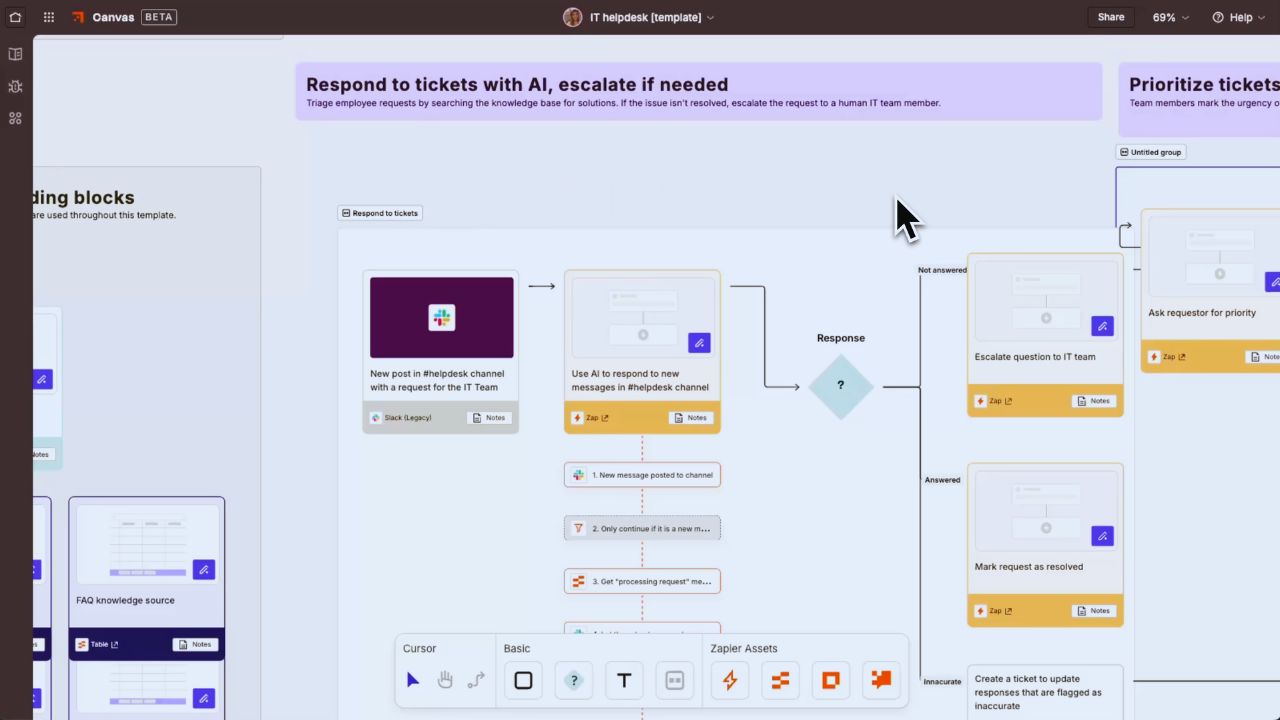
Start With a Handoff That Already Wastes Time
The most useful automation is rarely the flashiest. It handles steps people repeat: copying a qualified lead into a CRM, assigning support requests, or posting approved updates.
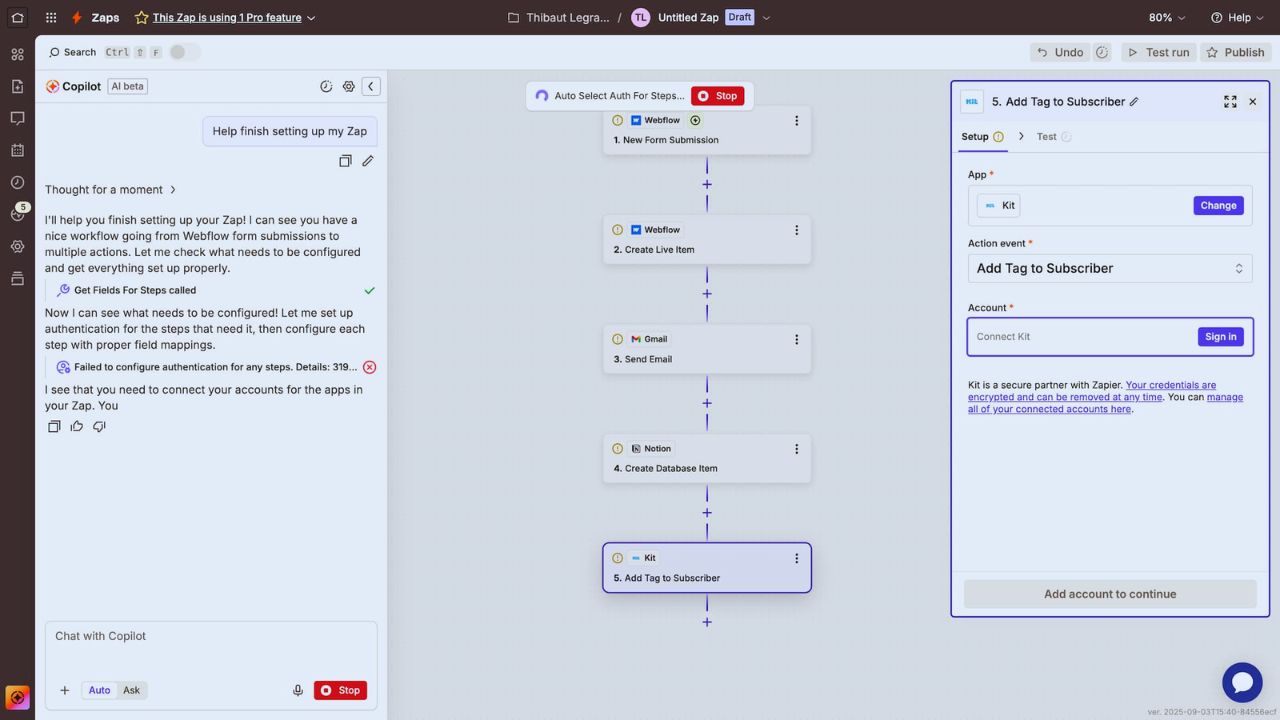
When that handoff has a defined owner and predictable outcome, a Zap removes quiet delays without changing the underlying process.
That is practical automation: less copying, fewer missed updates, and a record to check.
Write the Workflow in Plain Language Before Opening the Builder
Start with a plain sentence: “When a consultation request meets these conditions, create a CRM contact and notify the coordinator.”
That exposes missing decisions early. What happens when the email already exists? Which fields are required, and who checks an incomplete request?
Answering those questions protects data quality and keeps automation logic from becoming a hidden policy nobody can explain.
A Zap Is Simple on Paper, but Field Mapping Is Where Mistakes Appear
A Zap starts with a trigger and one or more actions. Work gets difficult when names, dates, currency, attachments, account IDs, consent fields, or status labels travel between systems.
A form that sends “New York” in one field and “NY” in another can create duplicates or unreliable reports.
The goal is not merely getting a workflow to run; it is keeping shared records and business meaning intact.
Test the Messy Cases, Not Only the Happy Path
A polished sample record rarely reflects real work. Test a duplicate email, missing phone number, cancelled order, unexpected attachment, and record that changes twice in minutes.
Watch what happens if the destination app is unavailable or an action returns an error. Then decide whether the flow should stop, retry, alert someone, or continue with a note.
These checks make exception handling visible before customer-facing errors reveal it.
The App Directory Is Broad, Yet Individual Connectors Have Different Limits
Zapier connects thousands of apps in mixed SaaS stacks. But “available in Zapier” does not mean every function of an app is exposed.
One connector may create a contact but not update a custom object; another may use polling instead of an immediate webhook.
Before promising a workflow, inspect available triggers, actions, and permissions. Connector detail matters more than brand compatibility.
Use Multi-Step Logic Only When It Removes Real Work
Filters, Paths, formatters, searches, webhooks, and code steps can solve useful problems. They can also turn simple intake into an opaque chain.
Split a complex sequence when different people own different outcomes, or when a failed action should not replay the whole process.
Keep every branch small enough to test. That supports safe changes and makes future maintenance less dependent on one power user.
Task Volume Changes the Cost of a “Small” Automation
Zapier’s task model can make a busy workflow cost more than expected. Successful action steps generally count toward task usage, which depends on run frequency and actions.
A five-step workflow handling a thousand records can use far more capacity than a simple notification.
Estimate normal volume, peak volume, retries, and seasonal spikes before treating a plan as fixed. This is usage planning, not billing trivia.
Errors, Replays, and Duplicate Actions Need a Plan
When a destination app times out, a team may replay a run or retry a step. That can help, but it can also create duplicate CRM records, invoices, or messages if the workflow is not designed carefully.
Use unique identifiers where possible, confirm whether an action already happened, and alert an owner when a workflow fails.
Keep a short rollback note. Those habits reduce duplicate work and improve operational recovery when systems behave unexpectedly.
AI Is Useful for Triage, Not for Irreversible Decisions
Zapier can use AI steps to extract details from a request, summarize a long message, classify a ticket, or draft a response.
That may make a support queue easier to scan and help a small team route work faster.
It should not independently approve refunds, grant access, change an employee record, or send a high-stakes reply. AI output can be incomplete, biased, or confidently wrong.
Keep human approval around irreversible actions, especially when money, permissions, or sensitive data are involved.
Treat Connections and Credentials as Operational Assets
An automation is only as safe as the accounts and permissions behind it. Avoid building critical Zaps under one employee’s personal login, storing secrets in free-form fields, or giving every editor broad access to production connections.
Use shared ownership, least-privilege permissions, multi-factor authentication, and regular connection reviews.
When someone changes roles, check the apps, tokens, and workflows tied to that person. This protects access control and prevents silent failures after a staff change.
Give Each Automation a Named Owner
A Zap that works today can become a mystery six months later, especially after an app changes a field, a vendor removes an endpoint, or the team changes its process.
Record the business purpose, trigger, action apps, important fields, error path, and person responsible for review. Use names that describe the result, not the apps:
“Route qualified demo requests” is more useful than “Form to CRM.” Documentation creates visible accountability and makes troubleshooting quicker when the original builder is unavailable.
Also Read: Loom Subscription vs Free Plan Review
Use a Small Pilot to Find the Weak Points
Do not connect an entire department in the first week. Choose one workflow that already causes lost time, run it with real data, and inspect results during a busy period.
Test the happy path and the awkward cases the team normally sees. Use these pilot checks to keep the test centered on real work:
- Did the destination receive accurate records?
- Could someone resolve a failed run without the original builder?
- Did task use stay within the expected range?
Conclusion: Automate the Handoff, Not the Judgment
Zapier is strongest when it removes repeat copying between tools with clear owners, clean data, and a predictable next step.
It is less helpful when it hides an unresolved process behind a long chain of logic or carries decisions requiring human accountability.
Begin with one high-frequency handoff, document exceptions, and review task usage before expanding. That turns Zapier automation into dependable operational support, rather than another fragile system nobody feels safe changing.