In most writing workflows, real-time assistance now decides how quickly drafts reach a clean, professional finish.
The practical question is grammatically simple yet purchase-shaping: Is Grammarly worth it?
For frequent writers, the answer remains yes, provided the feature set matches the task, and the plan aligns with the budget. Occasional writers can stay on the free tier, while heavy users benefit from premium rewriting, plagiarism checks, and stronger AI prompts.
What Grammarly Does In 2026
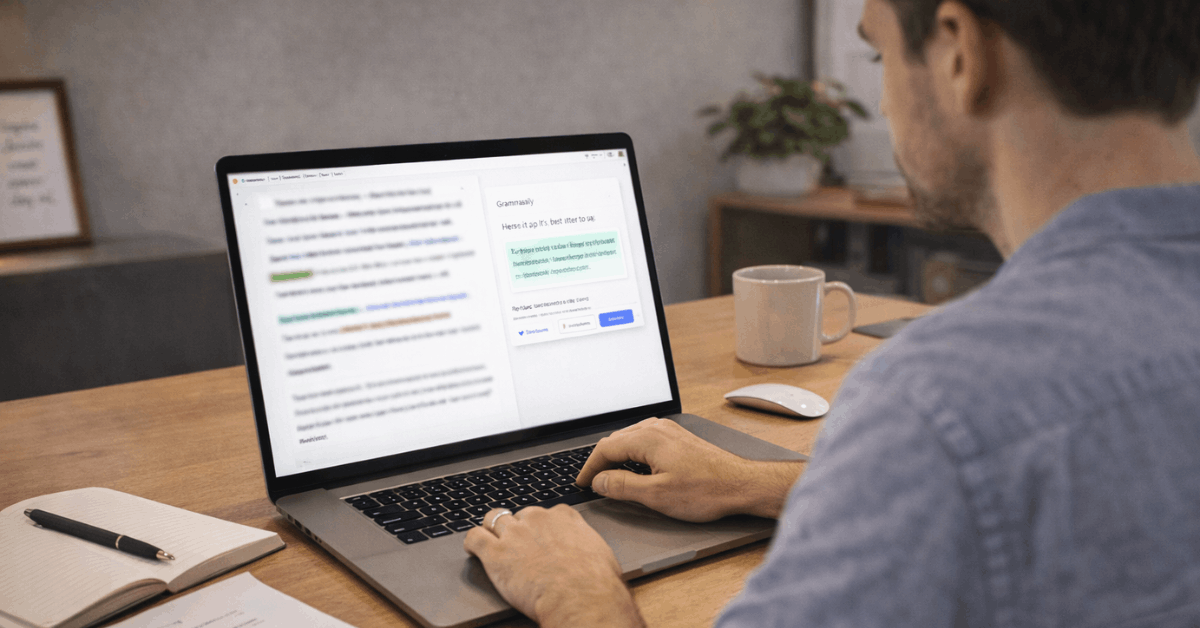
Grammarly evaluates spelling, grammar, punctuation, and sentence structure while offering clarity rewrites, tone guidance, and vocabulary suggestions.
Generative features help brainstorm, draft, and rephrase passages, then compress or expand sections to fit space or tone.
Modern integrations cover browsers, Google Docs, Microsoft Word, and Outlook, and many work apps, so edits appear where text is written rather than after a copy-paste hop. Team features add shared style guidance, snippets, and tone controls to keep communication consistent across departments.
Who Actually Gets Value
Clear matches between needs and features determine real value. This section explains where Grammarly saves time, protects quality, and reduces rewrites, so upgrades feel like investments rather than add-ons.
Professionals and Teams
Client-facing emails, proposals, and post-meeting summaries improve when tone is adjusted for formality and concision, and when snippets accelerate routine replies. Shared style rules keep names, product terms, and regional spellings consistent across everyone’s messages.
Students and Researchers
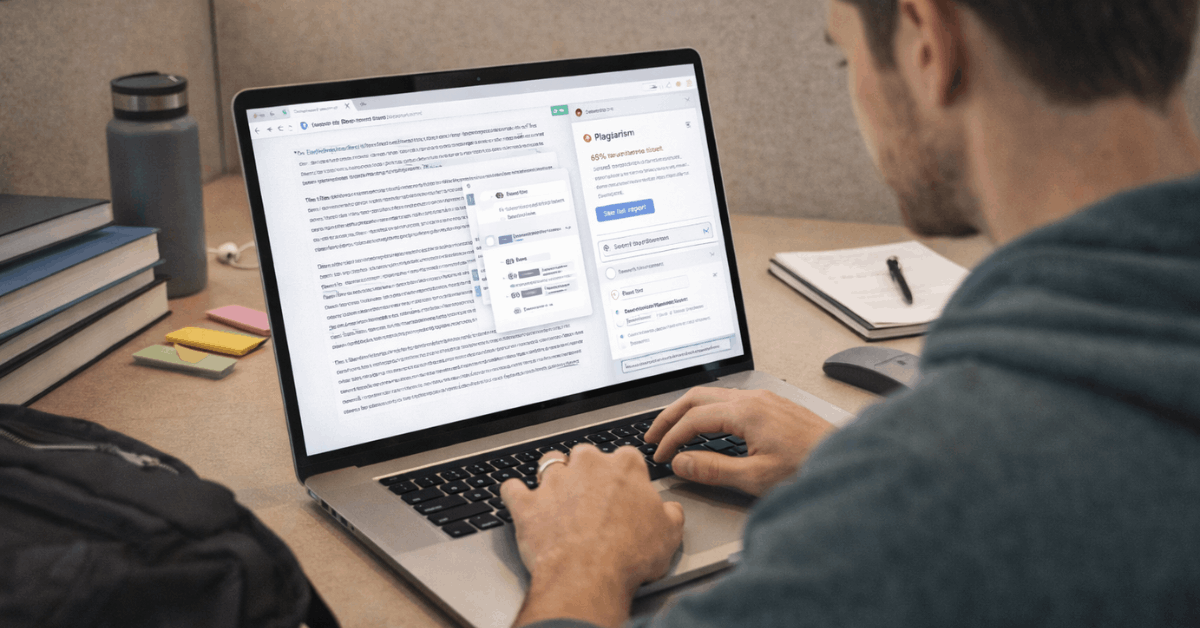
Drafts benefit from stronger sentence structure and citation nudges, while the plagiarism checker flags accidental overlap before submission. Policy clarity still matters, so students should confirm what assistance level is allowed for each course.
Content Creators and SEO Writers
Readability suggestions and clarity rewrites reduce editing loops across CMS tools and docs. Generative aids support outline expansion, headline options, and variation testing without replacing a human final pass.
Non-Native English Writers
Explanations attached to each suggestion help internalize patterns over time, turning repeated issues into fewer alerts and building confidence for long emails and reports.
Grammarly Free Vs Premium: What Changes In Practice
Writers decide between tiers based on what bottlenecks cost the most time. The free tier fixes surface errors, while paid plans unlock deeper rewrites, more AI prompts, and originality checks.
Feature Snapshot:
| Area | Free | Premium/Pro |
| Core checks (spelling, grammar, punctuation) | Included | Included |
| Clarity rewrites and full-sentence improvements | Limited | Included |
| AI writing assistant prompts per month | Limited | Higher allowance |
| Plagiarism checker | Not included | Included |
| App and work-tool integrations | Browsers and basics | Broader, team features available |
The free tier handles routine typos and simple grammar, which is enough for light use. Premium unlocks clarity rewrites, stronger tone control, wider app coverage, and the plagiarism checker for academic and professional publishing.
Pricing at a Glance
Budgets differ across individuals and teams, so plan terms matter. Figures below reflect Grammarly public pricing at the time of writing.
Plan Overview:
| Plan | Term | Typical Cost |
| Free | Ongoing | $0 |
| Pro (individual) | Monthly | $30 per member |
| Pro (individual) | Annual | $144 per member (effective $12 per month) |
| Pro (individual) | Quarterly | $60 per member per quarter |
| Teams (Pro seats up to 149) | Annual | Tiered per-seat pricing based on seat count |
Student-specific discounts are not standard on public pages, so seasonal promotions are the main route to savings.
Pros and Cons To Weigh
Short trade-offs help decide between staying free, upgrading, or choosing a different tool.
- Strengths: Accurate surface corrections, effective clarity rewrites, broad integrations, and a reliable plagiarism checker for students and professionals.
- Strengths: Team options such as style guides, snippets, and brand tone reduce inconsistency and rework in multi-author workflows.
- Limitations: Not a replacement for a human editor in high-stakes or highly creative work; suggestions still need review.
- Limitations: Free tier omits originality checks and advanced rewrites, which restricts value for heavy academic or client content.
AI Detection, Originality, and Academic Use
Concerns about AI detection continue across campuses and publishers.
Independent reviews and sector updates show detection tools vary widely, and false positives remain possible, particularly on shorter texts or for writers using non-standard phrasing.
Balanced practice is simple: follow course or client policies, declare tool use when required, and rely on a plagiarism checker for final quality control.
Where Grammarly Fits Against Alternatives
Writers often compare toolkits to avoid redundant subscriptions. A minimal stack pairs Grammarly’s real-time edits with one readability lens and, for academic work, a citation manager.
Hemingway lifts clarity but leaves fixes to the author, Ginger supports multiple languages but lacks robust originality checks, and ProWritingAid offers deep style reports that suit long-form drafting.
Each option has strengths, yet the broad integrations and live tone guidance keep Grammarly positioned as the best grammar checker for everyday email, docs, and web apps. Those already happy with narrow tools can stay lean, while teams valuing consistency usually gain more from Grammarly Business.
Set Up Tips and Everyday Use
Clean installation prevents format headaches and reduces duplicate effort. Start with a browser extension for Google Docs, email, and CMS pages, then layer the desktop app for Word and Outlook editing.
Uploading full documents preserves layouts better than long copy-paste sessions, which risk losing tables and bullets.
For teams, enable a style guide and brand tone so terms, spellings, and voice stay consistent across regions and roles.
Who Should Pay and Who Should Skip
Daily writers handling client-facing documents, academic submissions, proposals, or marketing assets benefit most from Premium/Pro because clarity rewrites, tone control, and originality checks reduce revisions and prevent costly misses.
Teams collaborating across sales, support, and marketing gain additional value through shared rules and snippets that cut response time while keeping language on brand.
Light users who send short emails or social replies can stay on the free tier and upgrade only during heavier periods such as thesis months, product launches, or hiring cycles.
Conclusion: Is Grammarly Worth It This Year?
Across individual and team scenarios, Grammarly remains a high-value AI writing assistant that meaningfully improves correctness, clarity, and consistency.
For budget-sensitive users, the free tier still provides dependable baseline checks and tone hints. For professionals, students nearing submission, and content teams under deadlines, Premium/Pro earns its place through clarity rewrites, the plagiarism checker, and strong integrations.
In practical terms, the question is, is Grammarly worth it? stays yes for frequent writers and collaborative teams, provided features map to the work and policies are followed, where AI assistance is regulated.