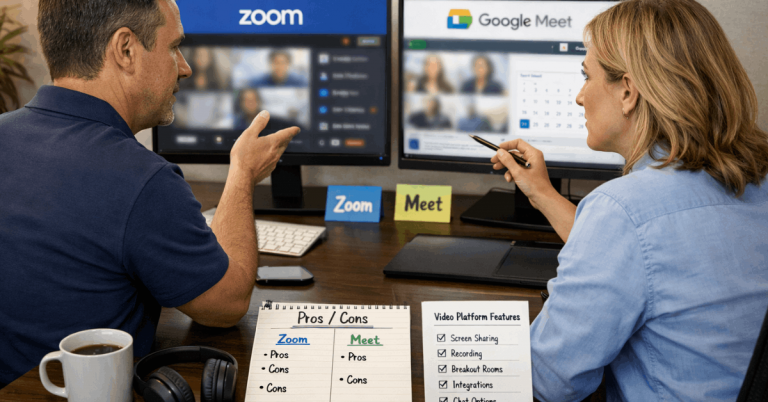
In daily workflows, the decision comes down to speed versus control. The phrase Zoom vs Google Meet frames the real tradeoff: browser-fast convenience against deeper host tools for bigger rooms and events. Teams planning short check-ins typically value minimal setup and fewer knobs.
Large sessions, trainings, and webinars often benefit from heavier controls and scalable admin policies. Clear choices emerge once meeting size, stack fit, and security posture are defined.
Integrated Google Workspace users enjoy frictionless scheduling and clean browser joins. Organizations running larger meetings or external events gain value from stronger host management and event tooling.
Quick Answer For Daily Use
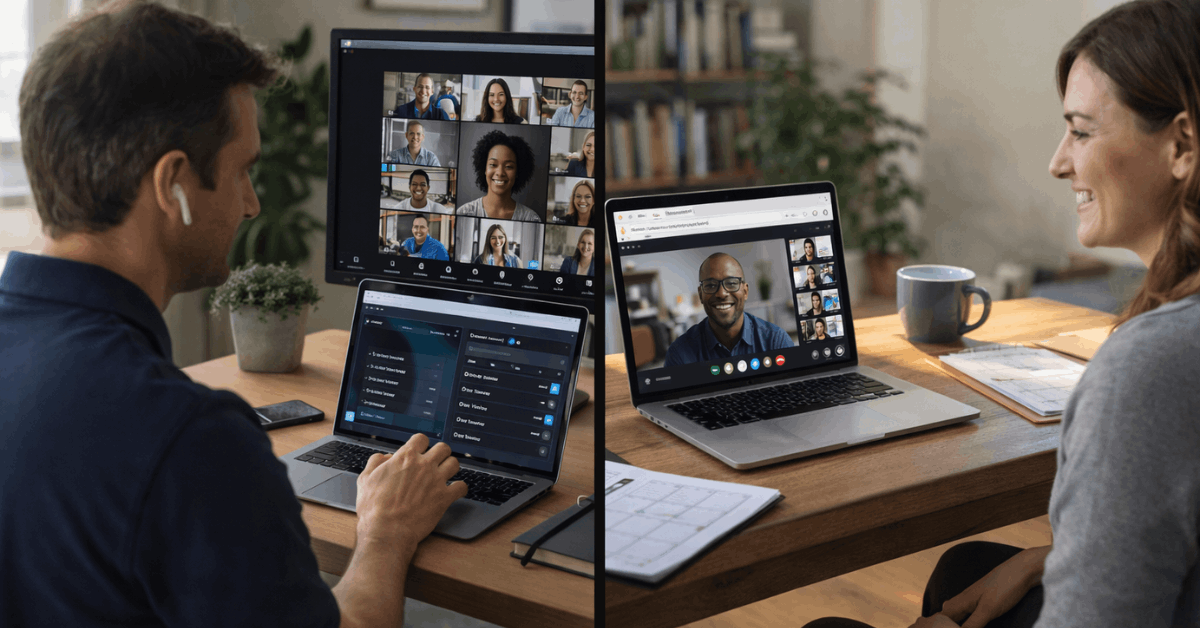
Small teams and mixed freelancers usually feel faster in Google Meet because it opens in the browser, schedules cleanly from Calendar, and stays lightweight.
Multi-department companies, classrooms at scale, and event-heavy teams lean toward Zoom for robust host controls, stronger event formats, and mature admin policies.
Either platform handles typical one-to-one or small group calls without drama, so the best path is aligning features to the real shape of your meetings.
Zoom Vs Google Meet at a Glance
Short comparisons help anchor expectations. Treat the points below as practical tendencies, not fixed laws.
| Decision Area | Better Fit | Why It Matters |
| Join Speed | Google Meet | Browser-first join reduces setup friction and IT tickets. |
| Host Control Depth | Zoom | Waiting rooms, granular permissions, and co-host tools scale better. |
| Webinars and Events | Zoom | More event formats, registration, and audience engagement options. |
| Workspace Fit | Google Meet | Native Calendar, Drive, and Gmail flow save time. |
| App Footprint | Google Meet | No desktop app required for core calling and recording on paid tiers. |
Picking Based On Team Size and Complexity
Smaller meetings benefit most from a low-friction start, simple screen sharing, and reliable captions.
Larger and longer sessions expose platform differences quickly, including permissioning, overflow tools, and recovery when participants join late.
Event-style sessions require registration, Q&A oversight, breakout orchestration, and dependable recordings for post-event distribution. Decision confidence improves when meeting formats are scoped first, then mapped to settings rather than the other way around.
Accessibility, Apps, and Setup
Google Meet runs in modern browsers, integrates directly with Calendar invites, and avoids forced app updates that occasionally interrupt tight schedules.
Zoom installs a dedicated desktop client that many IT teams standardize for consistent performance on long sessions.
Mobile parity remains strong on both platforms, although power users appreciate Zoom’s native app for advanced share options and multiple monitor flexibility. Everyday contributors who live inside Gmail and Calendar typically prefer Meet’s zero-install rhythm.
Meeting Management and Host Controls
Strong host tools prevent chaos in large or public-facing sessions. Read this section as a capability overview, then match to your real meeting risks and norms.
What Hosts Manage Well In Google Meet
Essential moderation covers muting participants, controlling who presents, and removing disruptive guests. Quick toggles for chat and screen share reduce noise during time-sensitive segments.
Basic controls meet the needs of internal check-ins, client updates, and compact classroom sessions, especially when other Google apps carry the collaboration workload.
Where Zoom Scales Further
Advanced scenarios lean on waiting rooms, authentication profiles, pre-assigned breakout rooms, and co-host roles for smooth handoffs. Granular permissions create safer environments for open registrations or public demos.
Teams running training cohorts also rely on room reshuffling, broadcast messages, and session timers to drive structure. The phrase Zoom breakout rooms remains a deciding feature set for workshops and cohort learning.
AI Features In 2026
AI quality determines how much post-meeting time gets returned to real work. Zoom AI Companion is included on paid plans and focuses on practical outputs such as summaries, action items, and questions like “What decisions were made?” during the call.
Generated chapters and highlights reduce rewatch time for busy stakeholders. Google Gemini for Workspace adds meeting notes, summaries, caption translation, promptable backgrounds, and hands-off participation features where a message can be delivered in your stead.
International teams benefit from real-time translations during multilingual sessions. Budget-conscious buyers should note that availability and entitlements depend on Workspace plan tiers rather than a separate standalone Meet toggle.
Chat, Whiteboard, and Collaboration
Chat behavior affects late joiners, follow-up clarity, and how links carry through. Zoom’s continuous meeting chat keeps a thread alive before, during, and after scheduled sessions, which solves the common link-resend problem for late arrivals.
Google Meet sticks to in-meeting chat that resets when people join and rejoin, which keeps things tidy but occasionally forces repeat postings. Whiteboards exist across both platforms. Zoom’s canvas adds templates and sticky notes suited to facilitated workshops.
Google’s whiteboarding keeps the experience simple and saves artifacts into Drive. Collaboration beyond whiteboards leans on each ecosystem’s strengths. Teams spending every day in Docs and Slides will feel faster in Meet.
Video, Audio, and Screen Sharing
Default video quality sits comfortably at HD levels for most users when bandwidth cooperates. Zoom offers more screen share modes, including second camera and mobile device shares that help during demos and training.
Meet’s share options emphasize browser tabs, windows, or the full screen, which suits decks, docs, and quick walkthroughs.
Audio on both platforms uses modern VoIP stacks that behave well on stable connections. Teams should validate headsets, echo cancellation, and room acoustics regardless of platform because hardware and environment still dominate perceived quality.
Recording, Storage, and Transcripts
Paid Google Workspace tiers enable Google Meet recording with automatic delivery to Drive, which simplifies permissions and archival policies within the same domain. Zoom allows local recording on the free tier and cloud recording on paid plans.
Teams that standardize on shared Drives appreciate Meet’s automatic file location and retention controls. Larger programs that distribute recordings broadly often prefer Zoom’s chaptering and highlight workflows from AI Companion for faster post-production.
Security, Privacy, and Admin Safeguards
Core protections now include encryption in transit, robust authentication options, and multiple layers of host control.
Zoom’s security posture matured significantly after the pandemic’s early incidents, and current admin features support strict profiles, waiting rooms, and emergency suspension of participant activities when a room goes sideways.
Google Meet benefits from default Workspace controls, organizational policies, and Drive-based storage permissions that many compliance teams already trust. Sensitive or public sessions should test entry restrictions, screen share policies, and recording defaults in staging meetings before going live.
Live Streaming and Webinars
Event delivery pulls these platforms apart more decisively. Zoom webinar features include registration pages, capacity add-ons for large audiences, Q&A moderation, and branded experiences suitable for launches, conferences, and training days.
Google Meet supports streaming options that work well for internal briefings and broadcasts within the Workspace ecosystem, yet it is less flexible for polished, external-facing events that require advanced audience management, multiple roles, and layered engagement.
Integrations and Ecosystem Fit
Platform fit carries as much weight as raw features. Google Workspace integration keeps scheduling, files, and chat close to the meeting surface, reducing context switching during routine collaboration.
Zoom’s marketplace offers broad connectors across CRM, project management, education, and support platforms, which pays off when teams live in mixed stacks.
Automation layers such as task extraction and meeting summaries help both ecosystems, but the best results come from mapping outcomes to the specific apps where work continues after the call.

Appearance Filters and Backgrounds
Virtual backgrounds, background blur, and light touch-up controls exist in both tools and have matured to the point where most laptop cameras look acceptable in a backlit room.
Custom backgrounds and light smoothing can make a difference for client calls or classes recorded for later review. T
hese features are now table stakes and rarely determine platform choice alone, although brand-sensitive teams may standardize presets for consistent presentation.
Scheduling, Late Joiners, and Recovery
Calendar-first teams gain speed from Meet’s automatic meeting links and Drive attachments in the same invite.
Zoom scheduling ties into Google Calendar and Outlook while exposing more knobs during setup, including passcodes and waiting rooms that are often required at scale.
Late joiners fare better in Zoom’s continuous chat model, which exposes earlier links and files. Recorded sessions and AI summaries on either platform reduce recovery time after unexpected dropoffs or conflicts.
Pricing Notes To Avoid Surprises
Plan names and entitlements evolve, and regional pricing varies. Zoom pricing commonly differentiates Pro, Business, and Enterprise tiers, with AI Companion included on paid accounts and webinar or large meeting capacities offered as add-ons.
Google Meet pricing is tied to Google Workspace tiers such as Business Starter, Business Standard, Business Plus, and Enterprise, which set participant caps, recording, and streaming rights.
Procurement should confirm per-user costs, storage limits, and event add-ons, then pressure test must-have features in a trial environment before annual commitments.
Decision Guide: Three Scenarios
Browser-First Teams In Google Workspace: Pick Google Meet for speed, Calendar-native scheduling, and Drive-based recordings on paid tiers. Training Cohorts And Event Programs: Choose Zoom for waiting rooms, advanced share modes, scalable breakouts, and stronger event tooling.
Mixed Stacks And External Clients: Favor Zoom when integrations outside Google dominate, or when multiple roles and permissions matter.