Launching a Shopify store feels like a win. But the first time a discount code double-fires during a flash sale, that win turns expensive fast.
Testing a Shopify store is the boring work that separates stores that scale from stores that apologize. And the timing of those tests matters more than the tests themselves.
I would argue that Shopify testing belongs on a weekly calendar, not a pre-launch checklist. Themes update, apps push new code, and your catalog changes constantly.
This piece is for the store operator who already has live traffic and revenue but has never built a structured testing habit around their Shopify build.
Which Shopify Tests to Run First (and Which Can Wait)
Every testing guide throws a dozen categories at you. Functional testing. Security testing. Performance testing. Accessibility testing. The list gets long before it gets useful, and that’s the problem: small teams freeze when the scope feels infinite.
Start where revenue sits. The tests that protect checkout, cart math, and payment processing deserve your first hours. Everything else can layer in after those flows are locked down.
Checkout and Payment Testing
This is your money pipeline. Test express wallets like Apple Pay and Google Pay on actual mobile devices, then switch mid-flow to a standard card entry. The raw checkout flow should preserve cart state when a shopper changes payment methods.
Verify that tax, duty, and shipping calculations land accurately for every region where orders ship. A $2 tax discrepancy might seem small until customer service handles 40 complaints about it during a weekend sale.
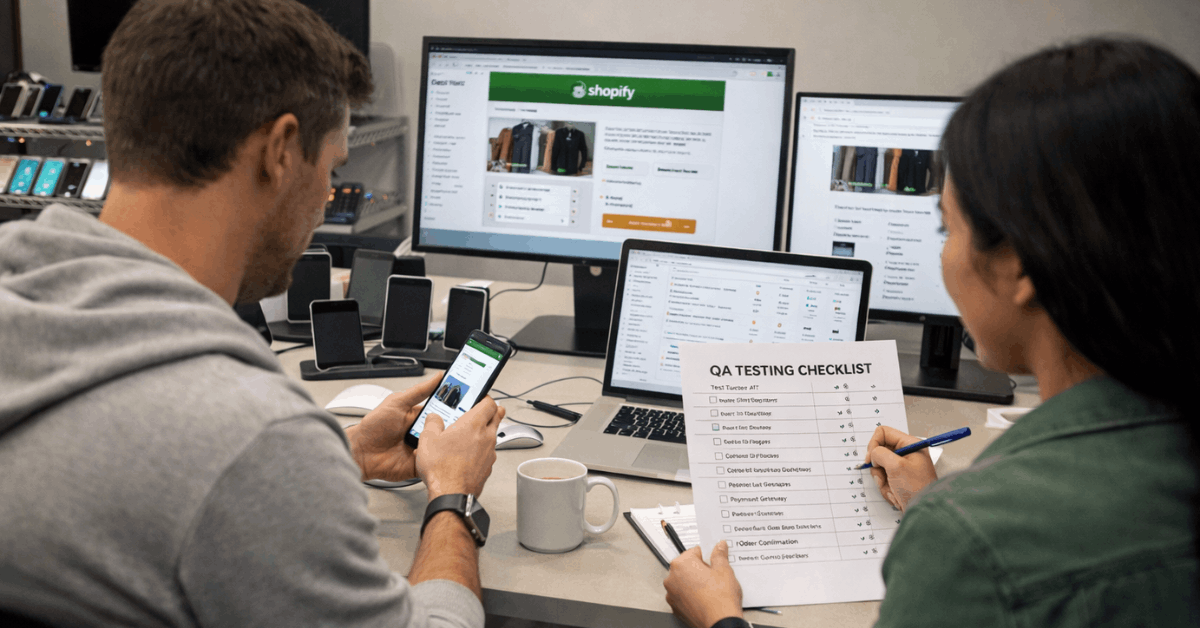
Post-purchase events matter too: inventory decrement, transactional emails, and order confirmation pages should all fire correctly. Broken confirmation emails erode trust at the worst possible moment, right after someone gives you money.
Cart and Discount Logic
Cart persistence fails more often than people expect, especially when multiple apps store state independently. Test multi-tab behavior: open the store in three browser tabs, add items in each, and watch what happens over 20 minutes.
Stacking discounts is another common break point. Add a variant, change the quantity, apply a promo code at checkout, and confirm the totals are correct with no double discounts applied. That specific sequence (test case TC02 in most QA matrices) is rated critical priority for a reason.
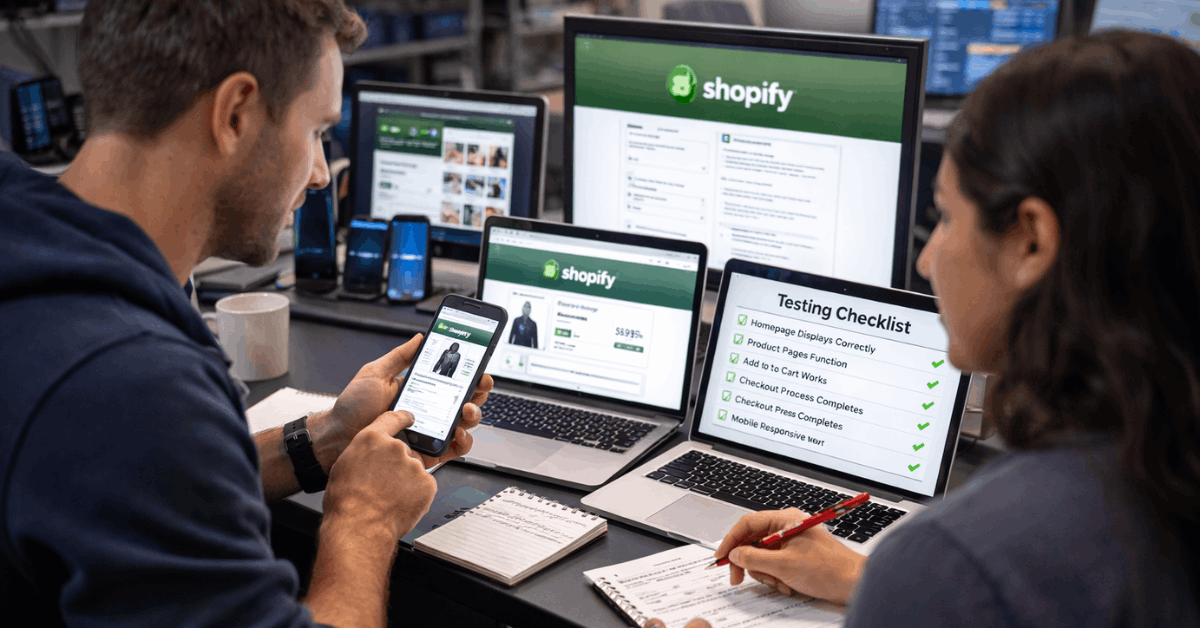
Mobile Usability on Real Devices
Emulators lie. Hardware differences between a $200 Android phone and an iPhone 15 Pro create layout problems that only show up on physical screens.
Check font sizes, tap targets, and sticky add-to-cart bars across at least two screen sizes. Dynamic blocks and modal overlays can hide CTAs on smaller screens when z-index and stacking contexts collide. A blocked “Buy Now” button during a promo is invisible lost revenue.
The Shopify Bugs That Cost Real Money
Knowing which bugs show up repeatedly saves debugging time. These five patterns account for a disproportionate share of Shopify store issues, and each one has a specific prevention strategy.
Broken cart persistence traces back to apps that store state inconsistently. The fix: centralize cart updates through Shopify’s native cart API and test multi-tab behavior across sessions.
Payment confirmation gaps sometimes come from blocked scripts or race conditions between front-end and back-end. Adding server-side logging and verifying duplicate-charge protections closes this gap before a customer sees a double charge on their statement.
Mobile overlays hiding CTAs happen because of viewport meta tag misconfigurations. Check z-index values and test across orientations, not just portrait mode.
Search failures trace to two things:
- Incomplete synonym lists that miss common misspellings of top products
- Unindexed variants that make certain SKUs invisible to on-site search
- Missing “no results” handling that dead-ends shoppers instead of suggesting alternatives
Inventory mismatches between Shopify and external sales channels arise when webhook retries fail silently. Validate retry logic and confirm which system gets last-write-wins priority.
Also read: Descript: Does This Tool Deliver Consistent Results?
A Starter Test Matrix for Shopify Stores
A short, high-signal set of test cases helps teams build coverage without drowning in scope. This matrix covers the flows that break most often and carry the highest revenue risk.
| Test Case | Scenario | Expected Result | Priority |
|---|---|---|---|
| TC01 | Search with two misspellings of a top product | Relevant products appear, typos recovered | High |
| TC02 | Add variant, change quantity, apply code at checkout | Correct totals, code eligibility honored | Critical |
| TC03 | Express wallet on mobile, then switch to card | State preserved, cart intact, payment succeeds | Critical |
| TC04 | International shipping zone with duties and taxes | Accurate rates and duties displayed before payment | High |
| TC05 | Out-of-stock variant, back-in-stock signup | Signup captured, confirmation delivered | Medium |
TC02 and TC03 are the two I would run before every single deploy. If those pass, the checkout pipeline is intact.
Automate Repeatable Tests, Keep Humans on Subjective Ones
I think the widely accepted advice to “automate everything” is a trap for teams under 10 people, because tools like Playwright and Cypress require ongoing maintenance that eats more hours than manual checks on a small store.
A five-case manual checklist run before each deploy catches more revenue-affecting bugs, faster, than a fragile automated suite that breaks every time a theme updates.
Once the store grows past a few hundred daily orders, automation starts earning its keep. At that point, run the suite on every pull request in staging and schedule nightly runs against production using payment sandboxes and read-only checks.
The tooling stack that works for most Shopify teams looks like this:
- Selenium or Playwright for browser automation across checkout flows
- BrowserStack for device and browser coverage without maintaining a device lab
- Ghost Inspector for non-developers who need to record and replay test flows quickly
- OWASP ZAP for baseline security scans against common web vulnerabilities
Keep manual reviews for microcopy, content quality, and visual clarity. Subjective decisions still move conversion rates, and no automated tool catches a confusing error message or a misaligned trust badge.
Shopify Performance Metrics That Predict Revenue Problems
Speed data without context is noise. The metrics worth tracking after every release connect directly to shopper behavior and money.
Revenue per session, conversion rate, and add-to-cart rate should be monitored as a set, not individually. A drop in add-to-cart rate with stable conversion might mean a product page loaded slowly enough to lose browsers but fast enough for committed buyers. That distinction changes where the fix lives.
Track Largest Contentful Paint (LCP), Time to First Byte (TTFB), and cumulative layout shift (CLS) on the templates that carry the most traffic.
Industry data still shows steep abandonment when mobile pages pass roughly three seconds of load time, so even a 500-millisecond LCP improvement on a product page template can shift revenue.
Segment all of this by device, browser, and market. A performance fix that helps desktop Chrome users but breaks Safari on iOS is a net negative if 60% of traffic comes from iPhones.
Quick Wins That Pay Off Before Peak Season
Some fixes take an afternoon and produce measurable results within a week. These are worth doing before any major promo or seasonal traffic spike.
Compress hero images and defer non-critical scripts. This lifts LCP and stabilizes layouts so shoppers don’t accidentally tap the wrong button when elements shift during page load.
Audit installed apps and remove any that overlap in function. Two apps doing the same job means duplicate scripts, conflicting event tracking, and slower pages. Every app adds surface area that needs testing and maintenance.
Simplify discount logic. The more conditional rules stacked on a promo, the more edge cases appear at checkout. Clear error messages that explain what to do next (instead of generic “code invalid” text) reduce support tickets during high-traffic windows.
Confirm that order confirmation pages and emails display accurate totals and working links. Trust reinforcement happens immediately after payment, and a broken confirmation email undermines the sale retroactively.
A/B Testing on Shopify: Revenue Per Session Over Vanity Metrics
Run one test at a time for at least a full buying cycle. Product page experiments tend to deliver measurable gains: image gallery order, review placement, and description depth all influence purchase behavior differently depending on the product category.
Checkout copy and delivery date messaging also shift behavior when isolated properly. The metric to anchor on is revenue per session, not click-through rate or page views. Vanity metrics feel good in reports but hide whether the change moved actual dollars.
Guard against novelty effects by running tests long enough to capture repeat visitors alongside first-time browsers.
Questions People Ask About Testing Shopify Stores
Q: How often should I test my Shopify store?
Run your core five test cases before every deploy and after every app update. Schedule a broader review monthly, covering search, mobile usability, and payment methods across devices.
Q: Can I test Shopify checkout without processing real payments?
Shopify has a built-in Bogus Gateway for test transactions and supports Shopify Payments test mode. Both simulate full checkout flows without charging real cards or affecting financial reports.
Q: Do I need automated testing tools for a small Shopify store?
A store doing fewer than 100 orders per day can get solid coverage from manual test cases and Ghost Inspector for recorded flows. Automated suites become worth the setup cost once deploy frequency and order volume both climb.
Q: What is the single most common Shopify bug during sales events?
Discount code failures during high traffic, specifically codes that either double-apply or reject valid entries when multiple shoppers hit checkout simultaneously. Server-side logging catches these before customers do.
Q: Should I test on staging or production?
Both. Staging catches code-level bugs before they ship. Production checks catch environment-specific issues like DNS routing, CDN caching, and third-party app behavior under real traffic conditions.
Conclusion
Testing a Shopify store under real conditions is a revenue-protection habit, not a one-time project. Small teams that run five core test cases before every deploy catch failures that cost thousands during peak traffic.
Global ecommerce is heading toward $7 trillion by 2028, and a store that converts reliably during traffic spikes compounds every marketing dollar spent. The stores that test weekly ship faster, break less, and keep the customers they already paid to acquire.