Todoist is a popular to-do app built around quick capture, clean organization, and lightweight task management. It promises enough structure to handle real life without feeling like a full project management system.
This review looks at Todoist as a practical daily utility, not as a complicated productivity lifestyle. The focus is on speed, clarity, reminders, and whether the app stays easy to use during a normal week.
How the Everyday Test Was Framed?
A fair Todoist review should focus on the tasks people actually repeat. That means quick reminders, recurring chores, small projects, shared lists, and deadline-based tasks.
The goal is not to build the perfect productivity system, but to see whether Todoist helps users act faster. A good to-do app should reduce mental load, not create another system to maintain.
Focus on Practical Task Work
The test focused on simple actions that happen during normal days. These included adding tasks, setting due dates, checking reminders, completing items, and reviewing the next day’s work.
This made it easier to judge whether Todoist works as a fast daily tool. The strongest results came from tasks that were short, clear, and easy to act on.
Test Across Devices
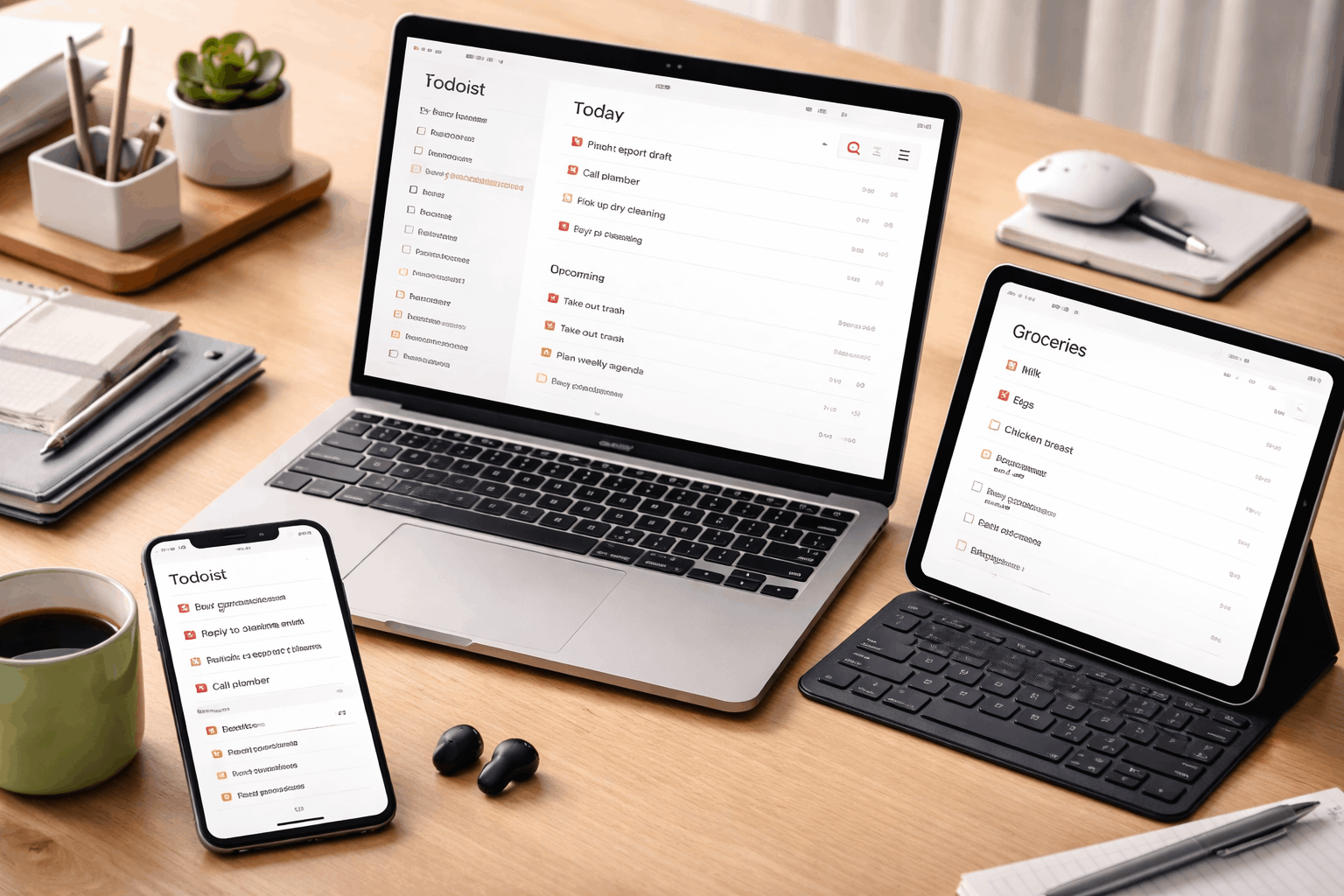
Todoist is often used on both mobile and desktop, so cross-device behavior matters. A task added on the phone should still make sense when opened later on a laptop.
Reminders, badges, and notifications are part of the experience because timing affects trust. If a reminder arrives late or feels unclear, the task system becomes less dependable.
What Todoist Does Well in Daily Use?
Todoist’s biggest strength is that it makes task capture feel light. The app works best when users add simple task phrases and move on without overthinking structure.
It keeps daily actions visible without forcing a heavy workspace. This makes it useful for people who want execution support more than deep planning.
Quick Capture Feels Natural
Todoist is strong when you need to add something quickly. A task like “pay bill tomorrow” or “call dentist Friday” can be entered without building a full project around it.
Natural language scheduling reduces the number of taps or clicks needed to set a date. The feature works best when users keep task names short and direct.
Recurring Tasks Support Real Routines
Recurring tasks are one of Todoist’s most practical features. Chores, weekly reviews, monthly payments, and personal routines fit naturally into the app.
This helps users remember work that is easy to forget but important to repeat. The risk is adding too many recurring tasks until the daily view feels crowded.
Where Todoist Can Feel Limited?
Todoist is intentionally task-first, which is both a strength and a limit. It does not try to replace full project management tools, document hubs, or team workspaces.
That keeps the app fast, but it also means some workflows need more context than Todoist comfortably holds. Users expecting rich planning may feel the boundaries quickly.
Organization Can Become Overbuilt
Todoist gives users projects, labels, filters, sections, and priorities. These tools are helpful when used lightly, but they can become distracting if overused.
New users may spend too much time designing a perfect system instead of completing tasks. Todoist works best when the structure stays shallow and easy to scan.
Collaboration Stays Lightweight
Shared lists are useful for groceries, chores, and simple household planning. They work best when everyone understands the list without needing extra instructions.
Todoist is less suited for complex teamwork that needs approvals, files, dependencies, or detailed discussion. For those workflows, a dedicated team tool may be more reliable.
Real-World Task Scenarios
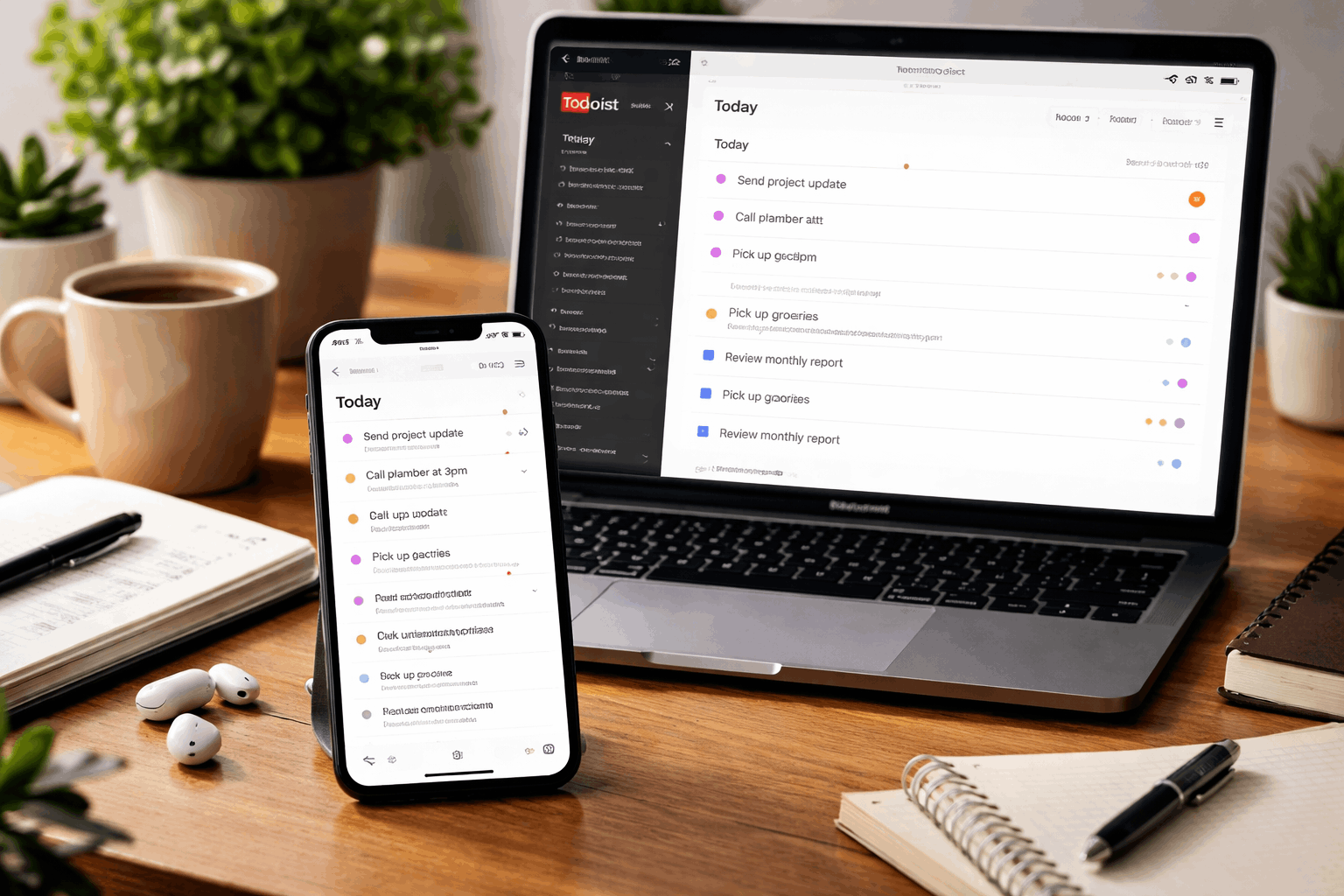
Everyday testing showed that Todoist performs best in short, practical situations. It helps when tasks need to be captured quickly, reviewed often, and completed without much explanation.
The app becomes less useful when tasks require long notes, heavy documentation, or several layers of coordination. Its value depends on keeping the workflow simple enough that the app stays fast.
Use this quick test when judging Todoist for your own routine:
- Add five tasks on mobile while away from your desk.
- Create three recurring tasks for weekly or monthly routines.
- Share one simple list with another person.
- Track one small project with clear steps and due dates.
- Review whether the app still feels light after one week.
Small Projects Need Regular Review
Todoist can handle small personal projects well when the steps are clear. A project like renewing documents, planning a short trip, or organizing errands can fit into sections and due dates.
The system works when users revisit the project view and keep the next action obvious. If the project is ignored for too long, tasks can drift and lose context.
Shared Lists Work Best When Simple
Shared lists are helpful when the goal is coordination, not deep collaboration. Grocery lists, household chores, and simple errands are good examples.
The list should stay easy enough that another person can add or complete items without learning a system. Once comments, approvals, files, or complex ownership are needed, Todoist starts to feel too light.
Who Todoist Fits Best?
Todoist is strongest for people who want a reliable place to store and execute everyday tasks. It works well for users who want quick capture, recurring reminders, and a clean view of what needs attention.
It is also helpful for people rebuilding routines because the app supports regular nudges without heavy setup. The best users treat Todoist as a task tool, not a full life dashboard.
Best for Execution-Focused Users
Todoist fits users who want to know what to do next. It is useful for personal tasks, simple work lists, routines, errands, and small projects.
People who prefer low-friction tools may appreciate that Todoist does not feel like a full workspace. The app is strongest when it helps users act quickly and move on.
Harder for Deep Planning Needs
Todoist may feel too narrow for users who want documents, research, notes, and project details in one place. It is also limited for teams that need complex approvals, reporting, or dependency tracking.
Users who enjoy building detailed systems may find Todoist too simple for larger planning. In those cases, a broader workspace or project management tool may fit better.
Final Verdict on Todoist
Todoist performs best as a fast, practical, and reliable app for everyday task execution. Its biggest strengths are quick capture, recurring routines, clean daily views, and simple organization.
Its limits appear when users need deep planning, rich collaboration, detailed documentation, or complex team workflows.
If your goal is to remember, schedule, and complete tasks without turning productivity into a hobby, Todoist is a strong everyday choice.