Long-term testing shows patterns that short trials often miss. A tool can feel easy during setup but become more demanding once tasks, projects, comments, and team habits grow.
This review looks at Asana through extended daily use, with attention on real workflows, repeated friction, and practical value over time.
The goal is to understand whether Asana remains useful after the early wins fade and normal work pressure begins.
Getting Started vs Living With Asana
First impressions can make Asana feel fast, clean, and easy to adopt. Early projects are usually simple, and the tool gives users enough structure to begin quickly.
Over time, however, daily use reveals whether the setup can support real growth. Long-term value depends less on the first hour and more on how the system holds up after weeks or months.
Early Setup Feels Quick
The first setup often feels simple because projects are still small. Creating sections, tasks, and owners can happen quickly when the workflow is light.
The harder part comes later, when early naming and structure choices start affecting daily navigation. Long-term testing shows that setup speed is not the same as long-term fit.
Habits Form Before Systems
Users often adapt to the tool before they fully understand the best setup. Early habits can become the default even when better views or rules exist later.
This makes the first few weeks important because small choices can shape months of use. Asana rewards teams that pause, review, and improve the system after the initial setup.
Also Read: What We Learned From Hands-On Testing
Daily Workflow Performance Over Time
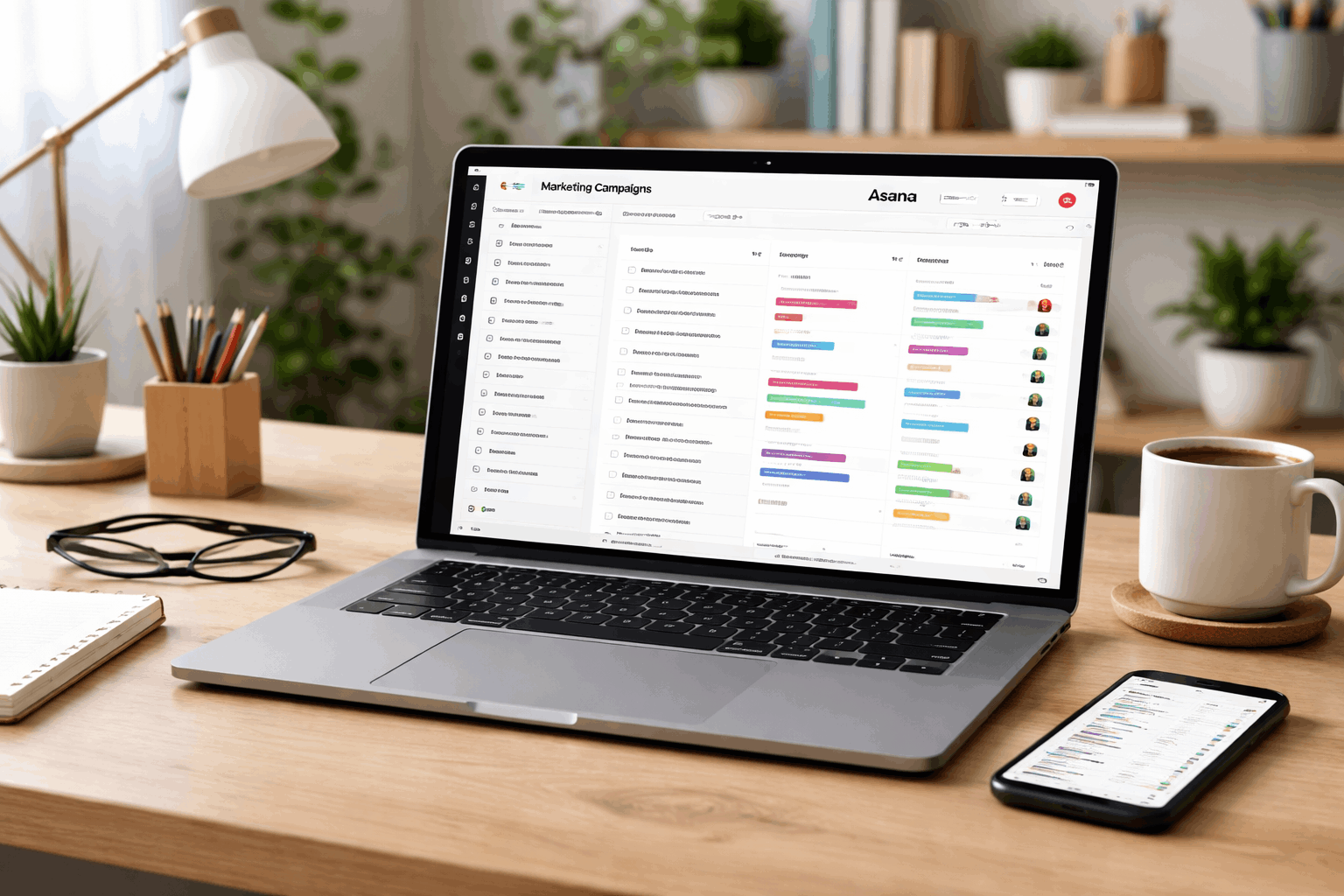
Daily use is where productivity tools prove their real value. Asana handles common task creation and progress tracking well, especially when projects stay organized.
Repetition makes strengths easier to see, but it also makes small inefficiencies harder to ignore. The tool feels strongest when users keep workflows clear and avoid unnecessary clutter.
Task Creation Stays Smooth
Creating tasks remains one of Asana’s strongest everyday actions. Adding owners, due dates, descriptions, and subtasks becomes familiar with repeated use.
Templates and shortcuts can reduce some repeated effort when teams use them consistently. This helps maintain momentum during busy periods when tasks need to be captured quickly.
Navigation Can Feel Heavier
As workspaces grow, navigation can require more filtering, searching, and switching. A few projects are easy to manage, but many active projects can make the interface feel denser.
Saved views can help, but they also need maintenance to stay useful. Without regular cleanup, users may spend more time finding work than doing it.
Managing Complexity as Projects Scale
Many tools are tested lightly but used heavily later. Asana’s flexibility becomes more important as projects multiply, teams grow, and dependencies appear.
The challenge is keeping structure clear without turning the workspace into a maze. Long-term use shows that scaling well depends on habits, naming rules, and consistent ownership.
Projects Multiply Quickly
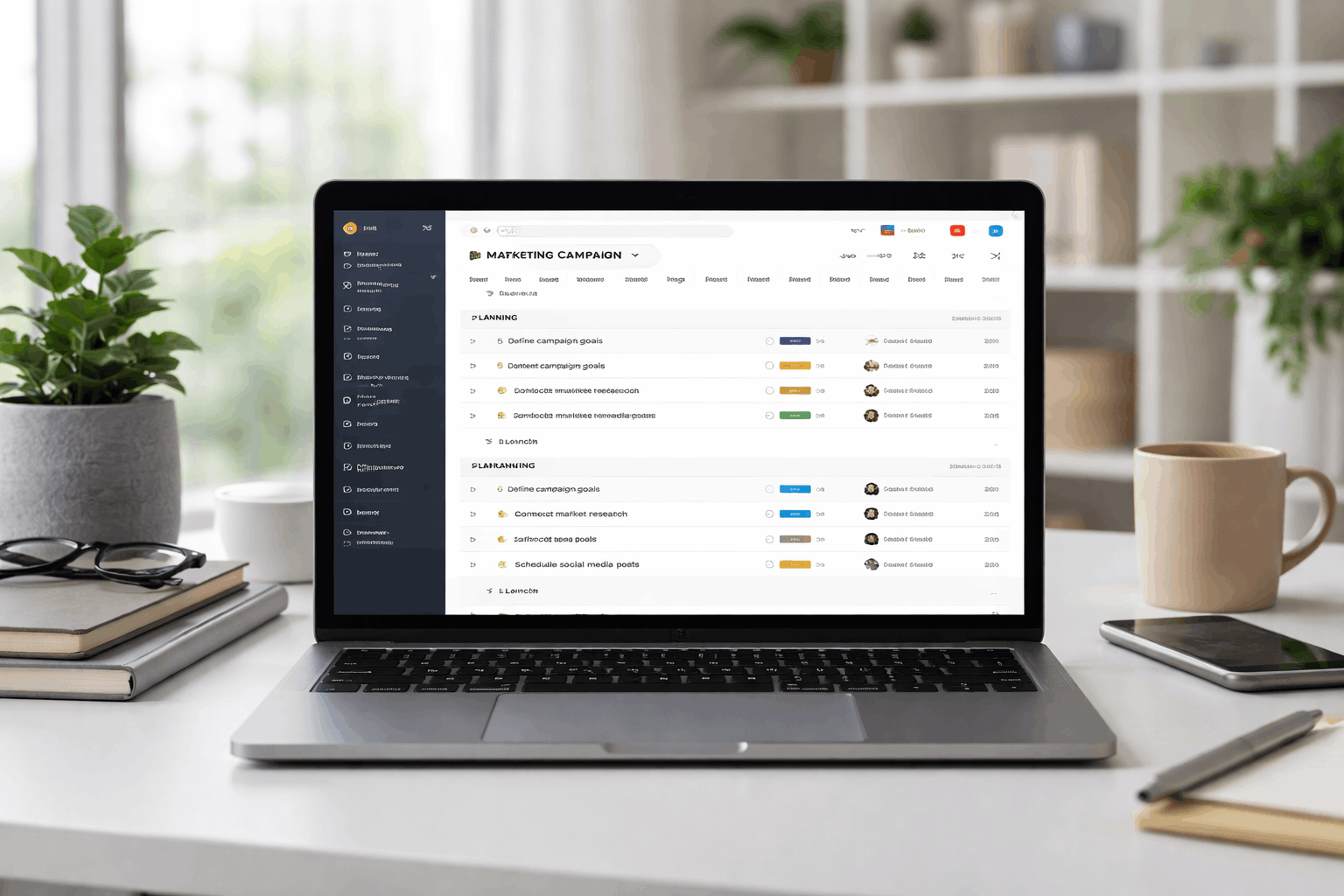
A small Asana setup can turn into many projects faster than expected. Each new project may feel reasonable on its own, but together they increase context switching.
Clear naming conventions and ownership rules become essential as the workspace expands. Without them, users may struggle to know where work belongs.
Dependencies Add Mental Load
Dependencies can help teams understand what must happen first. They are useful when work has a clear order and blocked tasks need visibility.
However, they also require regular checking, updates, and attention from responsible users. If the team does not maintain them, dependencies can create confusion instead of clarity.
Collaboration and Communication in Real Use
Asana’s collaboration value becomes clearer over time. Comments, assignments, due dates, and updates can keep work attached to the task instead of scattered across chat tools.
This improves traceability, especially when people need to understand past decisions. The tradeoff is that communication needs discipline so the workspace does not become noisy.
Comments Keep Context Close
Task comments help keep decisions connected to the work they affect. This can reduce the need to search through separate chat threads for updates or approvals.
Over time, the task history becomes useful for reviewing what happened and why. The benefit is strongest when users write clear updates instead of short, vague replies.
Notifications Need Regular Tuning
Default notifications can become overwhelming as projects and comments increase. Some users may mute too much and miss important updates, while others may leave everything on and lose focus.
Finding the right balance takes experimentation and periodic review. Notification control becomes part of maintaining a healthy Asana workspace.
Use this quick check during long-term Asana use:
- Review active projects before they become too many.
- Keep naming rules simple and consistent.
- Tune notifications after every major workflow change.
- Archive or close outdated projects regularly.
- Check whether automations are reducing work or adding confusion.
Feature Depth vs Actual Daily Value
Asana offers more features than many teams will use every day. Long-term testing makes it easier to see which tools truly earn their place.
Some advanced views look valuable during demos but need clean data to stay accurate. Practical value depends on whether features reduce effort, not whether they simply exist.
Advanced Views Need Data Discipline
Timeline and workload views can be helpful for planning larger work. They become less useful when tasks lack owners, dates, or accurate status updates.
Many teams return to simpler lists when advanced views require too much upkeep. This does not make the features weak, but it shows they depend on consistent data habits.
Automations Work Best When Simple
Automations can save time when they handle clear, repeated actions. Simple rules are easier to understand and easier to troubleshoot later.
Complex automation chains can create hidden behavior that confuses users when something changes unexpectedly. In long-term use, small dependable automations are usually more valuable than complicated ones.
Reliability, Cost, and Maintenance Over Months
Long-term trust is built through steady performance and accurate updates. Asana becomes more valuable when teams rely on it for daily planning, but that reliance also raises expectations.
Even minor downtime, sync delays, or messy project structures feel more disruptive once the tool becomes central. Cost and value also become easier to judge after the tool is used every day.
Reliability Becomes More Important Over Time
A tool feels more critical once the team depends on it for daily work. Short outages or sync delays can interrupt routines that were built around the platform.
Accuracy matters more than speed when assignments, deadlines, and comments guide real decisions. Long-term users need confidence that updates remain correct and visible.
Paid Value Must Save Time
Pricing feels different after months of regular use. Free options may work early, but limits become clearer as collaboration, volume, and reporting needs grow.
Paid features are easier to justify when they reduce manual effort or improve visibility. Nice-to-have features matter less than tools that save time every week.
Who Asana Fits Best Long Term?
Asana works best for teams that value structure, ownership, and repeatable processes. It fits project-based work where tasks need clear owners, timelines, comments, and follow-ups.
Users who enjoy organized systems may get more value as patterns and routines settle. Teams that avoid cleanup or constantly change structure may feel more friction over time.
Best for Structured Teams
Asana is a good fit for teams that manage many tasks across shared projects. It helps when people need clear ownership, deadlines, and task history.
Process-driven teams can benefit from templates, views, and simple automations when used carefully. The tool works best when structure supports collaboration instead of becoming extra admin work.
Harder for Loose or Minimal Workflows
Asana may feel heavy for users who only need quick lists or lightweight reminders. Small teams with very informal workflows may not need the setup and maintenance effort.
If priorities change constantly, the structure may need frequent adjustment. In those cases, a simpler tool may feel faster and easier to sustain.
Final Takeaways From Long-Term Asana Use
Long-term use shows that Asana is strongest when teams keep projects organized, ownership clear, and workflows consistent. Its value grows through task history, shared context, structured planning, and repeatable habits.
The main tradeoffs are navigation weight, notification tuning, ongoing cleanup, and the effort needed to maintain accurate systems. If you are choosing Asana, test it beyond the first setup and judge whether it still fits your work months later.