In fast-moving teams, scattered tools slow execution and bury decisions in chats and spreadsheets.
This ClickUp review clarifies where the platform excels, when it struggles, and how different teams should approach adoption.
Expect a practical breakdown that favors real workflows, not hype. Plan to leave with a confident sense of fit, upgrade paths, and realistic tradeoffs.
What ClickUp Is and How It Works
ClickUp is an all-in-one work platform that centralizes projects, docs, whiteboards, chat, goal tracking, and reporting in one configurable Workspace.
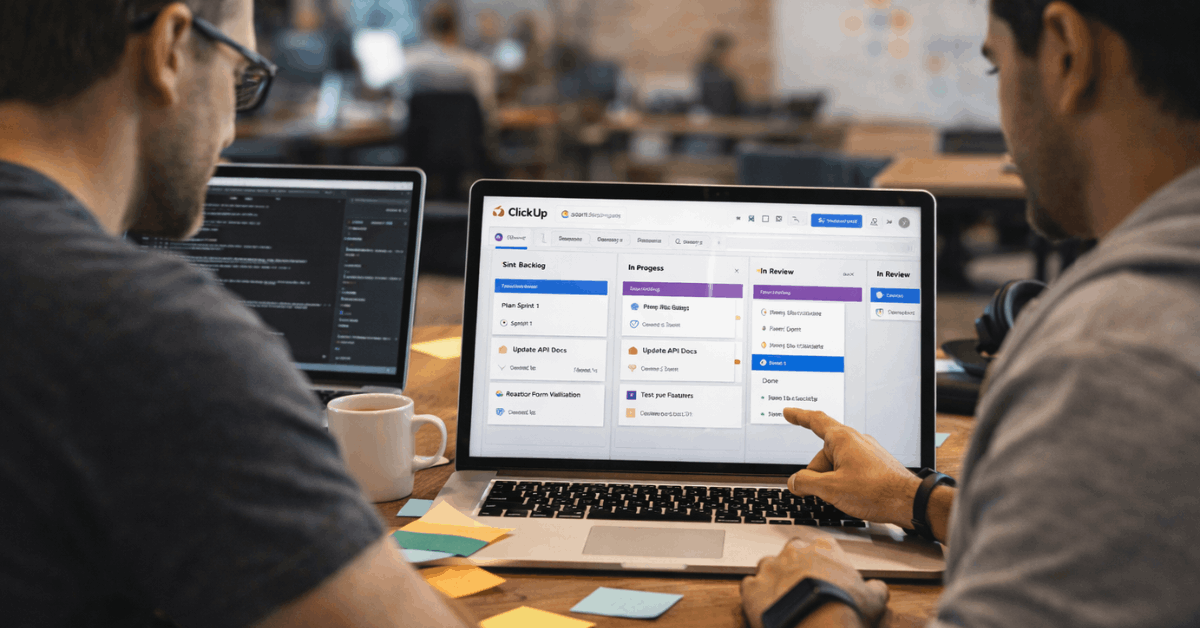
Views handle planning and execution at different altitudes, including List, Board, Calendar, Gantt, Timeline, Mind Map, and Table.
Configuration travels with the data, so teams can filter, group, and sort to mirror existing processes without bending habits around a rigid template.
ClickUp Templates
Templates speed rollout for common motions, including agile sprints, content calendars, roadmaps, CRM funnels, and onboarding kits.
The vendor ships a large and growing library of ClickUp templates, which reduces setup time and helps standardize across departments.
Collaboration runs through threaded comments, real-time co-editing in Docs, in-task chat, and assignable comments that convert directly to tasks.
ClickUp Integrations
Product scope expands further through ClickUp integrations and a public API, which bring external data into a unified Workspace.
Native time logging and billable fields support capacity planning and basic invoicing needs, while permissions and guest access keep client collaboration controlled.
The platform now includes ClickUp AI for summarizing long threads, generating briefs, and drafting task descriptions using role-tuned prompts.
Who ClickUp Is Best For
Teams that benefit most typically share two traits: dynamic work that changes shape week to week, and a desire to consolidate multiple single-purpose apps.
Software Development Teams
Engineering groups working across product, design, and QA gain a single surface for backlog grooming, sprint planning, roadmapping, and post-release analytics.
Kanban boards handle daily flow, while Gantt or Timeline helps sequence dependencies across squads. Custom statuses match the team’s lifecycle, then roll into aggregate reports that update automatically.
Dashboards
Dashboards are the centerpiece for delivery reporting, since burnup and burndown charts, velocity trends, lead time, and cycle time can be pinned together.
Drill-down cards let managers jump from a chart to the exact blocked tasks, which shortens the time to intervention during the sprint.
Bug intake improves through Forms that convert submissions into fully structured tasks, complete with fields for environment, severity, reproduction steps, and screenshots.
Whiteboards
Whiteboards help during discovery and technical design, since sketches, Docs, and tasks can coexist without context switching.
Roadmaps sit on Whiteboards or Lists, get resourced in Workload view, and publish to read-only views for stakeholders who need visibility without edit rights.
Marketing Teams
Campaign-heavy teams combine planning, production, and performance tracking inside one Workspace.
Goals support OKRs that tie campaign objectives to tasks and measurable targets, while Calendar or List view keeps the content pipeline moving on schedule.
Docs handle briefs, creative notes, and messaging frameworks, then link back to tasks to anchor discussions in one place.
ClickUp Dashboards
ClickUp dashboards give a shared snapshot of campaign status, asset readiness, and approvals outstanding.
Threaded comments and @mentions cut the dwell time between creative, channel owners, and compliance reviewers.
ClickUp AI speeds drafting of briefs, social copy variations, and meeting summaries, which helps small teams keep output high without burning cycles on boilerplate writing.
Service-Based Businesses and Agencies
Agencies need intake, scoping, delivery, and reporting under one roof, which aligns well with ClickUp’s structure. Forms route new leads or change requests directly into CRM Lists, then automations assign owners and due dates.
Client-specific Folders can remain private to agency staff, or selectively shared with clients as guests for controlled transparency.
ClickUp Time Tracking
Workload and native ClickUp time tracking combine to manage capacity, quote accurately, and protect margins on retainers. Whiteboards run discovery workshops and scope reviews, while Docs store statements of work, timelines, and acceptance criteria.
Billable toggles and formula fields inside Custom Fields help compute campaign costs without exporting to a spreadsheet every week.
PMO and Operations
Program management offices and operations teams gain a hub for enterprise-wide planning and governance. Cross-portfolio Dashboards roll up statuses from multiple Spaces, so executives view delivery, risk, and resource utilization in one page.
Docs build the internal knowledge base for processes and RACI maps, while Whiteboards visualize handoffs and control points.
Complex Projects
Complex projects benefit from custom statuses, milestones, and dependency management across multiple teams.
Workload views help leaders rebalance assignments when incoming projects collide, which lowers burnout risk and improves predictability.
Permissions allow sensitive initiatives to stay compartmentalized while still feeding aggregate reporting at the portfolio level.
Quick Fit Matrix
A short scorecard helps map typical team types to expected fit. Ratings reflect configurability needs, reporting depth, and expected consolidation gains.
| Team Type | Fit Summary | Notes On Setup | Reporting Needs | Likely Outcome |
| Product Engineering | Strong | Map statuses and sprint cadence early | Velocity, cycle time, defects | Consolidates issue tracking and planning |
| Marketing | Strong | Standardize briefs and approvals upfront | Asset readiness, campaign KPIs | Unifies calendar, docs, and approvals |
| Agencies | Strong | Build CRM Lists and intake Forms | Billable hours, margin, deadlines | Improves client transparency and handoffs |
| Personal Productivity | Moderate | Keep Spaces minimal and templates simple | Task completion only | Feels heavy unless workflows grow |
| Heavy ERP Workflows | Limited | Validate deep finance or inventory links | Cost codes, WIP, POs | Needs external systems to fill gaps |
Strengths That Stand Out
Strong advantages inform many adoption decisions across mid-size and enterprise teams.
- Flexible data model mirrors agile, campaign, and client-service workflows without deep customization projects.
- Rich view options let teams plan the same data across List, Board, Timeline, and Calendar without duplication.
- ClickUp dashboards deliver live rollups with drill-down capability that shortens the path from signal to fix.
- ClickUp integrations and API reduce context switching and centralize updates, which tightens accountability.
- ClickUp templates accelerate consistent setup for sprints, content, roadmaps, and PMO governance playbooks.

Gaps and Tradeoffs to Note
Complexity is the cost of flexibility, so governance and naming standards matter during rollout. New administrators can overproduce fields and statuses that feel helpful initially but later complicate reporting.
Mobile apps cover task-level work effectively, although dense dashboards and multi-panel pages feel better on larger screens.
Organizations that require highly prescriptive methodologies may prefer tools that enforce one way of working rather than permitting several acceptable paths. Stakeholders who want polished executive decks might still export certain charts to a slide tool when narrative framing is required.
Plans and Value Snapshot
Tiers typically include a free plan for light individual use, paid plans for team collaboration, and enterprise contracts for advanced security and administration.
Gatekeeping of features follows a familiar pattern that moves SSO, advanced permissions, and granular controls into higher tiers.
ClickUp pricing should be evaluated against the number of point tools it can replace across docs, chat, whiteboards, and reporting. Savings usually surface in fewer subscriptions, simpler training, and less integration maintenance rather than headline per-seat price alone.
How This Tool Was Evaluated
A consistent scoring rubric keeps reviews comparable. Core functionality receives the heaviest weight because baseline competency must be present and accessible without mandatory top-tier upgrades.
Ease of use and onboarding determine adoption speed, which heavily influences realized value in the first quarter after rollout. Support quality, customer reviews, and value for money round out the evaluation.
Access to responsive human help improves outcomes for complex deployments. Independent sentiment checks against net promoter signals help validate vendor claims without over-weighting outliers.
Final Verdict For Different Teams
Multi-team environments seeking consolidation gain outsized value because ClickUp reduces context switching and doubles as an operating system for projects, content, and client delivery.
Software groups that need sprint execution plus discovery and roadmap collaboration find a strong fit that scales. Marketing teams get a reliable campaign hub where briefs, approvals, calendars, and performance snapshots stay connected.
Simple solo use cases should consider a lighter tool that prioritizes immediate capture over modeling capabilities. Highly specialized operational requirements tied to ERP, manufacturing, or strict compliance frameworks may need deeper vertical software and then a thin integration back to tasks.