Testing Loom with minimal setup is useful because the tool is built for speed. The goal is to see whether quick recording, instant sharing, and simple collaboration can reduce meetings without adding admin work.
A good trial should reveal audio clarity, screen readability, transcript accuracy, editing ease, and response friction. Loom works best when the first recording feels easy enough that teams want to repeat it.
What Minimal Setup Means for Loom?
Minimal setup means testing Loom through the actions people will actually use every day. Instead of building a full training system, the trial should focus on recording, trimming, sharing, commenting, and reviewing.
This keeps the test close to real work and avoids hiding friction behind advanced settings. The best early signal is whether a teammate can understand the message without needing a follow-up meeting.
Quick Value Comes From Speed
Loom is strongest when someone can record a short explanation and share it within minutes. This matters for teams spread across time zones because context can travel without scheduling another call.
A fast video can replace a status meeting, a repeated tutorial, or a long written explanation. If recording feels slow or confusing, the tool loses its main advantage.
Keep the Trial Focused
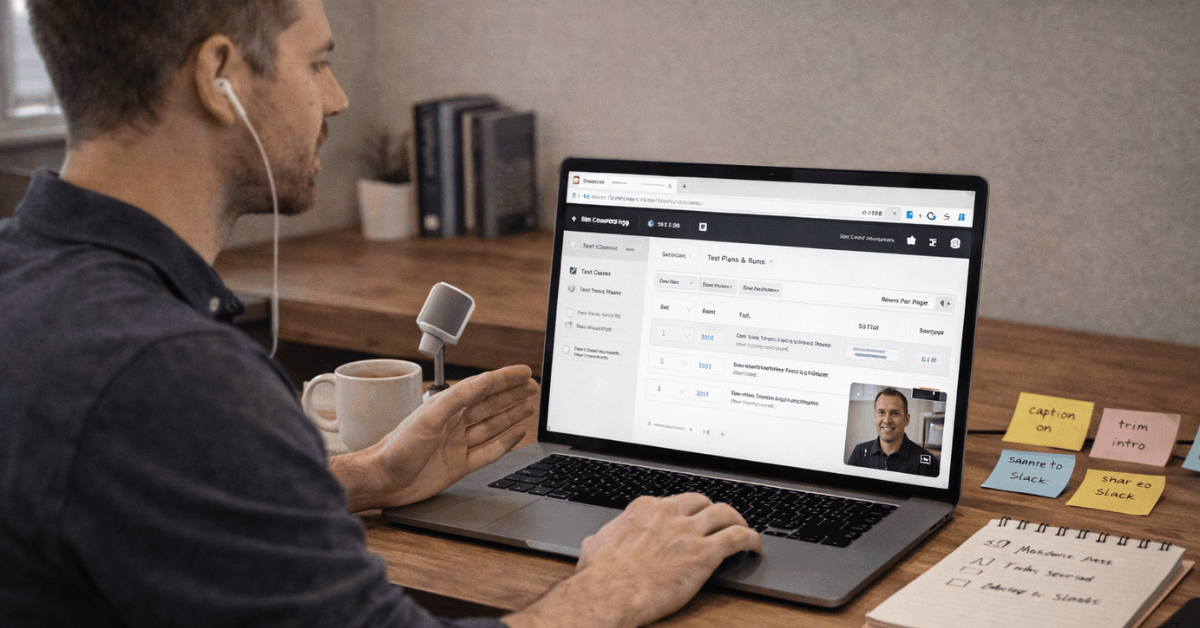
A minimal trial should avoid testing every feature at once. Start with short clips, simple edits, and one or two sharing channels. This makes it easier to judge whether Loom fits normal communication habits. A narrow scope also prevents early results from being distorted by over-polished recordings or unnecessary setup.
First Recording Test
The first recording should mirror a real task. A two-minute walkthrough, bug explanation, process update, or feature demo is enough to show whether Loom feels natural.
The test should include screen capture, microphone audio, captions, a short trim, and a shared link. This gives teams a practical view of the recording and review experience.
Record and Share in Minutes
The first test should begin with installing the browser extension or desktop app. After permissions are granted, record a short screen walkthrough with the camera bubble visible if personal presence helps.
Trim any dead air at the beginning and add a simple call to action for reviewers. Then share the link in Slack, email, or another channel where the team already communicates.
Check Playback and Comments
Playback should work smoothly for teammates without extra confusion. Reviewers should be able to watch, react, comment, or reply without asking how to use the tool.
Mobile playback also deserves a quick check because many teammates review updates away from their desks. If people cannot respond easily, the video may become another one-way message instead of a useful handoff.
Core Features to Validate
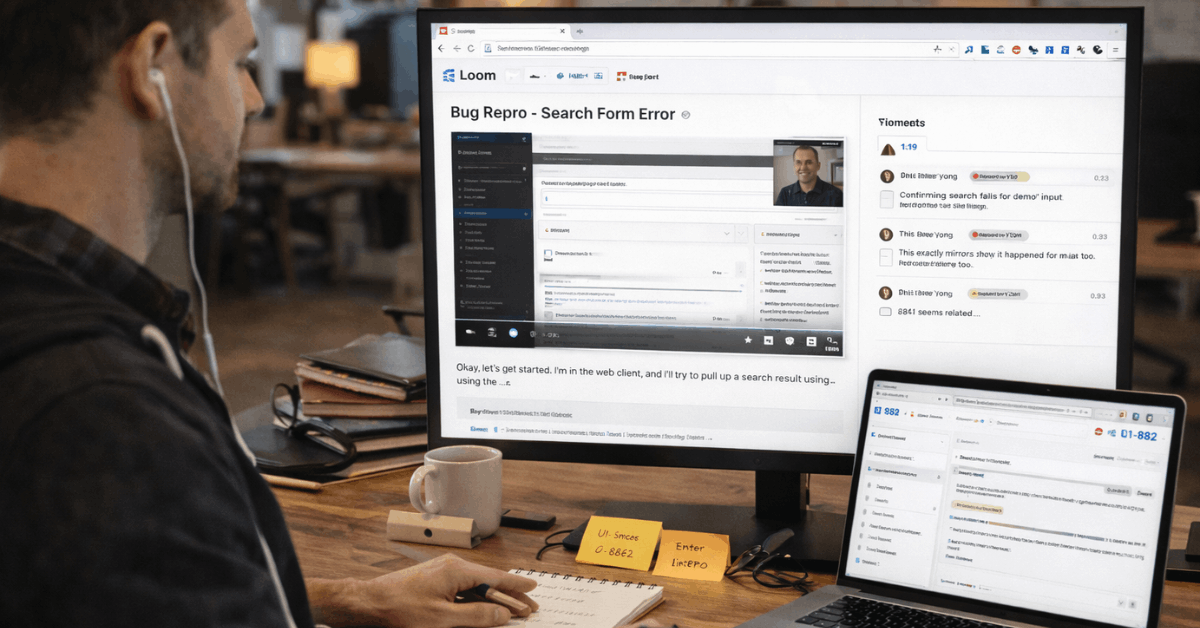
A short Loom trial should focus on features that affect daily use. Recording quality matters, but so do editing speed, transcript usefulness, and how easily others can respond.
The tool should make communication clearer without requiring a production workflow. If the clip takes too long to fix, share, or explain, the benefit becomes weaker.
Use this simple first-week Loom test:
- Record one product or process walkthrough.
- Record one bug report or handoff.
- Record one short update for a team channel.
- Ask two teammates to comment or react.
- Compare whether the video reduced follow-up questions.
Editing Should Feel Lightweight
Loom editing should be fast enough for everyday communication. Basic trimming, stitching, highlights, arrows, and text notes should help clean up a message without turning it into a full editing project.
The best videos are clear, short, and useful rather than polished like formal training content. If simple corrections take too long, users may return to meetings or long written notes.
Transcripts and Captions Matter
Transcripts and captions help teammates understand videos faster. They are especially useful for global teams, noisy environments, accessibility needs, and reviewers who skim before watching.
Caption accuracy should be checked across different accents, speaking speeds, and technical terms. A transcript does not need to be perfect, but it should be close enough to support quick understanding.
Security, AI, and Integrations
Even a minimal Loom trial should include privacy and admin checks. Teams need to know who can view recordings, whether links are protected, and how sensitive content is handled.
AI and integrations can add value, but they should not distract from the core question of whether Loom improves communication. A practical trial should test convenience and control together.
Privacy Needs Early Checks
Sharing settings should be reviewed before sensitive recordings are made. Password protection, request-to-view options, workspace defaults, and download controls may matter for internal or client-facing work.
Larger organizations should also check account governance, access logs, and data retention needs. Loom feels safer to scale when privacy rules are clear from the beginning.
AI Should Reduce Cleanup
AI features are useful when they reduce manual editing or help reviewers catch up faster. Auto titles, summaries, chapters, filler-word removal, and recap notes can save time if the output is close to usable.
These features should be tested on real recordings, not only polished examples. The main question is whether AI shortens review cycles without creating extra correction work.
Where Loom Fits Best?
Loom fits teams that often explain work visually. It is useful when screen walkthroughs, demos, async updates, and quick tutorials happen frequently.
Sales, support, product, engineering, design, operations, and education teams can all benefit from short videos. The strongest use cases are the ones where a clear recording prevents another meeting or repeated explanation.
Best for Async Teams
Loom is a strong fit for teams working across different schedules. A recorded update lets people review context when they are available, then respond with comments or reactions.
This reduces pressure to align calendars for every small decision. It also creates a reusable record that can help future teammates understand the same process.
Less Useful for Heavy Production
Loom is not meant to replace professional video editing tools. It works best for fast communication, not advanced production, complex motion graphics, or highly polished training libraries.
Teams that need studio-level editing may still need specialist software. In those cases, Loom can remain useful for drafts, walkthroughs, and quick internal explanations.
Final Verdict on Testing Loom With Minimal Setup
A minimal Loom trial should prove whether fast recording and sharing reduce meetings, delays, and repeated explanations. The best signs are fewer follow-up questions, faster approvals, clearer handoffs, and teammates who actually respond inside the video workflow.
Loom is strongest when recordings stay short, purposeful, and easy to review across devices. If the tool becomes daily muscle memory after a few practical scenarios, it is likely a good fit for async communication.