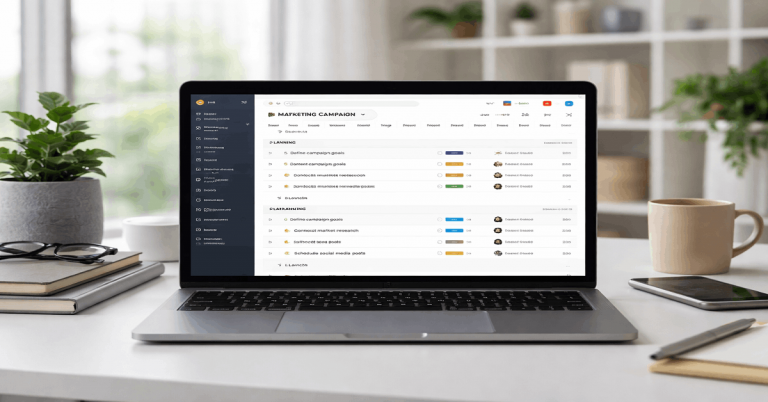
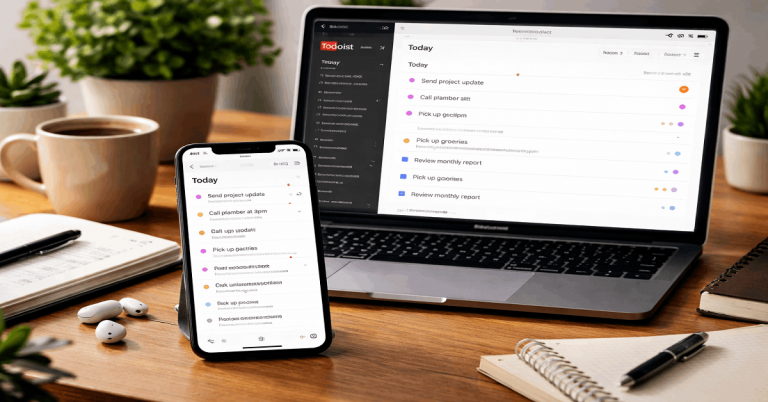
Testing Asana inside a real workflow shows whether assignments, approvals, and reporting actually support delivery. A static feature review can say what the tool offers, but daily workflow testing shows what happens when tasks move through real stages with real owners.
The goal is to see where Asana reduces coordination drag and where teams still need clearer rules. Strong workflow testing helps teams improve ownership, automation, reporting, and handoffs before delays become routine.
Why Test Asana Inside a Workflow?
A workflow is more than a list of tasks. It is the path work follows from intake to planning, execution, review, approval, and reporting.
Testing Asana inside that path reveals whether the tool supports the work or simply stores it. This matters because delivery problems often appear when ownership, status rules, and dependencies are unclear.
It Reveals Gaps Static Reviews Miss
Static checklists rarely show what happens when work changes hands. A task may look complete, but the next owner may not know what decision is needed.
A template may look useful, but it may miss fields that matter during review. Real workflow testing exposes these gaps because the task has to survive actual movement.
It Connects Tool Behavior to Outcomes
Workflow testing links Asana behavior to practical results like cycle time, review delay, and rework. This makes the test more useful than judging the interface alone.
If task ownership is clear, teams spend less time asking who should act next. If status changes are vague, the workflow may still create confusion even when the tool is working properly.
Also Read: Real-Use Testing on Slow Connections

Build the Workflow Scope First
Before adding integrations or automation, teams need to define the workflow they are testing. The process should describe what enters the system, who reviews it, what data is required, and what counts as done.
This keeps Asana from becoming a loose collection of tasks with different meanings. A clear scope also makes later automation safer.
Define Stages and Ownership
Every workflow should have a few clear stages. These may include intake, prioritization, execution, review, approval, and reporting. Each stage should have an owner or a rule for assigning one. Without ownership, tasks can move between sections while responsibility becomes less clear.
Keep Fields and Status Rules Clear
Fields should exist because they support decisions, not because they look organized. Useful fields may include priority, risk, due date, owner, approval status, or customer impact.
Status names should have agreed meanings so reporting stays trustworthy. If people interpret the same status differently, dashboards become less useful over time.
Use this quick workflow setup check before testing Asana:
- Define the outcome and success signals.
- List the required fields before tasks are created.
- Assign owners for each workflow stage.
- Decide which status changes need automation.
- Review where handoffs usually fail.
Connect QA and Test Management to Asana
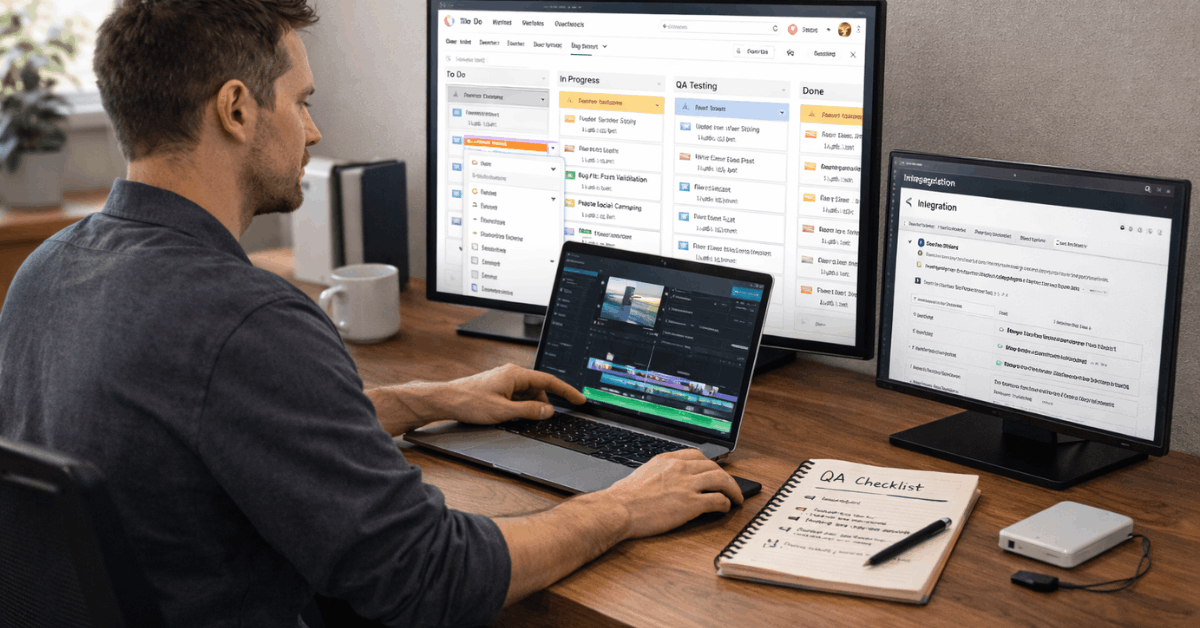
Testing workflows often become more useful when QA or test management tools connect to Asana. The goal is to reduce manual handoffs between testers, developers, marketers, and project owners.
A good integration creates traceability without forcing every team to work in the same tool all day. Asana becomes the visible task layer while specialist tools keep their detailed records.
Create Traceable Defects and Requirements
When a test fails, the related Asana task should include enough detail for the owner to act. That means steps to reproduce, expected results, actual results, environment notes, and related links.
Requirements should also connect to tasks so teams understand why the work exists. This reduces back-and-forth because the task carries the context forward.
Keep Retest History in the Task
Retesting should leave a clear record inside the related task. Comments, screenshots, and status updates help teams understand what changed and what still needs attention.
When a retest passes, the task can be marked complete or moved to the next stage. This makes verification visible without relying on scattered messages.
Use Automation Without Losing Control
Automation can make Asana workflows faster, but only when rules stay simple and easy to understand. The best automations handle routine routing, reminders, due dates, and status moves.
They should not hide important decisions or create actions nobody owns. Teams should automate what must happen, not every possible step.
Automate Routine Routing
Simple routing rules can reduce manual coordination. For example, a task can be assigned based on a category, component, request type, or section move.
A review task can notify the right approver when work reaches a specific stage. These automations save time because they remove predictable handoff steps.
Avoid Over-Templating and Ownership Drift
Too many templates can make the workflow feel heavy. Teams may stop updating tasks carefully if every item contains fields that do not apply.
Ownership drift also happens when tasks move sections without being reassigned. Automation should support responsibility, not create the appearance of progress without a clear owner.
Measure the Results That Matter
Workflow testing should produce evidence, not just opinions. The most useful measures are tied to speed, quality, handoffs, and stakeholder visibility.
A team does not need complex reporting to start seeing patterns. Basic measurements can show whether Asana is improving delivery or simply adding another layer.
Track Cycle Time and Approval Latency
Cycle time shows how long work takes from intake to resolution. Approval latency shows how long final decisions sit before someone signs off.
These two measures often reveal where delivery gets stuck. If review stages keep stretching, the problem may be ownership, capacity, or unclear acceptance criteria.
Use Evidence to Improve Templates
Testing should lead to workflow improvements. If tasks keep missing the same field, the template should be adjusted. If approvals stall in the same place, the handoff rule should be clarified. The strongest Asana workflows improve through small changes based on real patterns.
Where Asana Workflow Testing Fits Best?
Asana workflow testing works well for teams that need visibility across planning, execution, review, and approval. It is useful for marketing, product operations, QA coordination, customer feedback loops, and campaign delivery.
These teams benefit when work is tied to owners, timelines, comments, and clear next steps. The tool performs best when the workflow is structured but not overcomplicated.
Best for Cross-Functional Delivery
Asana fits workflows where several roles touch the same outcome. A campaign may need copy, design, QA, approval, and reporting before it ships.
A product request may move from support to product operations and then to development. Asana helps when each handoff needs to stay visible and attached to the task.
Harder for Vague or Constantly Changing Processes
Asana becomes less effective when the process itself is unclear. If teams cannot agree on statuses, owners, or approval rules, the tool cannot fix that alone.
Workflows that change every week may also become hard to maintain. In those cases, teams should simplify the process before adding more automation.
Final Takeaway on Testing Asana Workflows
Testing Asana inside real workflows shows whether the tool actually improves delivery, ownership, and reporting. The strongest results come from clear stages, required fields, visible handoffs, and simple automation rules.
Integrations with test management or QA systems can reduce coordination work when they preserve traceability. Asana becomes more reliable when teams keep refining templates, approvals, and ownership based on real workflow evidence.