
In large, multi-team environments, the real question is not only whether ClickUp has enough features. The bigger question is whether the workspace stays clear, fast, secure, and manageable as teams, tasks, dashboards, and automations grow.
Testing ClickUp scalability shows real strengths in customization, visibility, and cross-functional work, but it also reveals tradeoffs around performance, governance, and integration depth.
ClickUp can scale for many operational, marketing, design, and service teams, but it works best when administrators keep the system disciplined.
How ClickUp Scalability Was Tested?
Scalability testing should reflect how teams actually grow, not just how a tool behaves in a clean demo. The focus was on task volume, dashboards, automations, collaboration features, permissions, and repeated work across larger spaces.
This approach helps show where ClickUp stays useful and where friction starts to appear. The goal was to judge real operating conditions, not isolated feature performance.
Workloads Grew in Realistic Layers
The test expanded tasks, subtasks, comments, lists, and multi-list visibility gradually. This made the workload feel closer to organic team growth instead of an artificial stress spike.
Larger spaces revealed how structure, ownership, and naming rules affect daily speed. ClickUp handled moderate scale well, but messy growth created more friction than simple task volume alone.
Dashboards and Views Were Part of the Test
Dashboards matter at scale because managers depend on them for status and reporting. ClickUp’s dashboard cards can summarize useful information, but they perform best when filters stay focused.
Broad dashboards that pull from too many spaces can become slower and harder to trust. The strongest setup used lean dashboards tied to specific teams, projects, or operational views.
Also Read: What We Learned From Hands-On Testing
Where ClickUp Scales Well?
ClickUp’s biggest scalability strength is flexibility. Teams can shape spaces, lists, custom fields, docs, dashboards, comments, and views around different workflows.
This can reduce tool switching when the workspace is designed carefully. The same flexibility, however, needs rules so teams do not create overlapping systems.
Collaboration Stays Close to the Work
Docs, comments, Whiteboards, and task updates live near the work they support. This helps content-heavy and creative teams keep context attached to assignments, reviews, and handoffs.
It can reduce the need to search across separate notes, chat threads, and files. The benefit is strongest when every document, Whiteboard, or decision has an owner and archive rule.
Time Tracking and Workload Views Add Operational Value
Native time tracking can help teams compare estimates, actual work, and client or initiative rollups. Workload views are useful when managers keep assignments current and remove outdated or ownerless tasks.
These tools support service teams, agencies, and operations groups that need visibility into capacity. They become less accurate when users stop maintaining task ownership and estimates.
Where Scale Creates Friction?
ClickUp can become harder to manage when customization grows faster than governance. Custom fields, filters, views, permissions, dashboards, and automations can multiply quickly across teams.
This does not mean ClickUp fails at scale, but it does mean the system needs active administration. Without shared standards, users may spend more time finding work than completing it.
Customization Can Become Its Own Problem
Customization is useful when it helps teams work in a consistent way. It becomes a problem when every team creates different fields, filters, statuses, and views for similar work.
New users may struggle to understand which view is official or why assigned tasks seem hidden. A “golden path” of approved templates and views helps reduce confusion during large rollouts.
Automations Need Clear Ownership
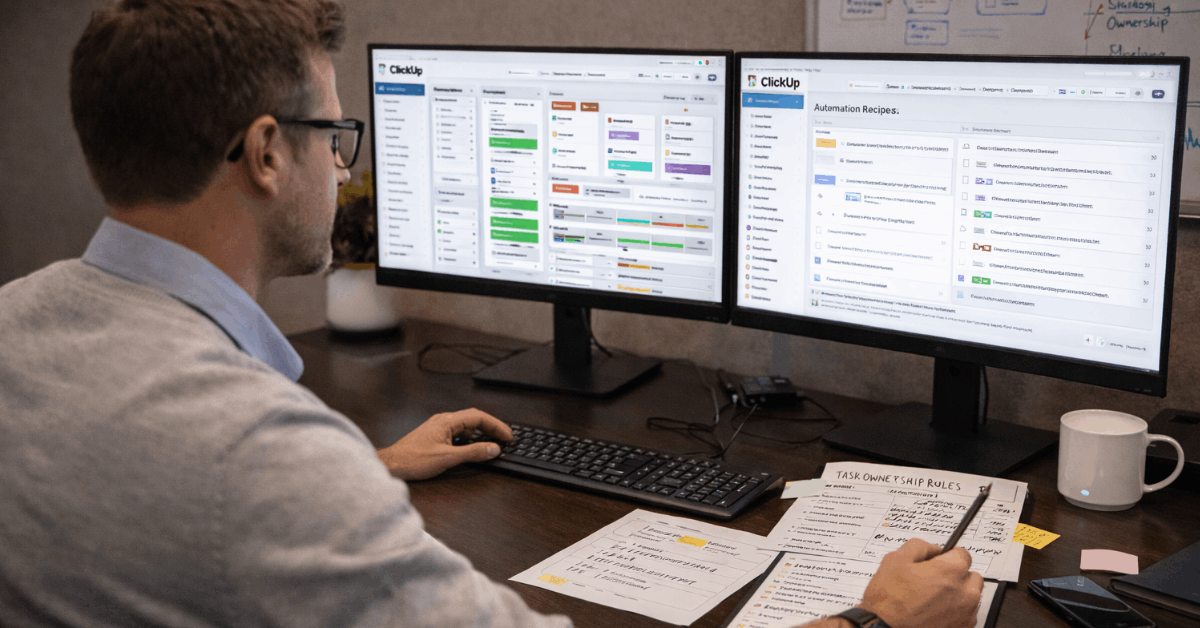
Automations work well when they handle simple, repeated actions. They become risky when multiple triggers overlap, duplicate actions, or create hidden behavior that nobody owns.
At scale, even small automation mistakes can create noise across many tasks. Every automation should have a clear purpose, owner, and review schedule.
Use this quick governance check before scaling ClickUp:
- Standardize space templates before teams create their own.
- Limit custom fields to the ones people actually use.
- Keep dashboards lean and focused.
- Assign owners to automations and integrations.
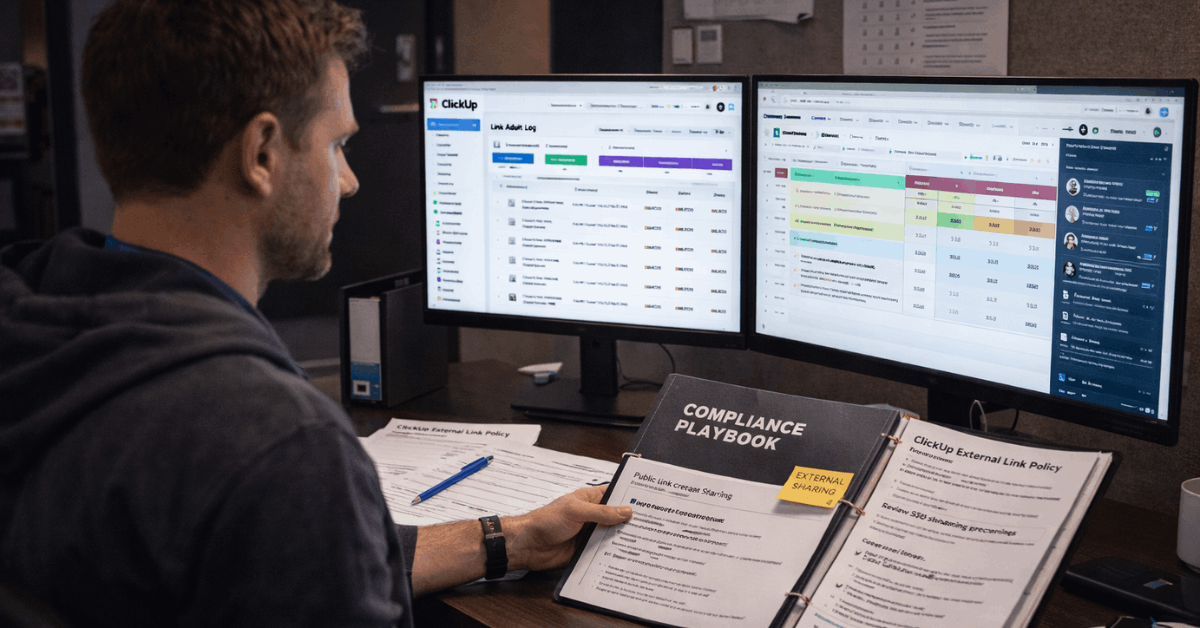
- Review public sharing, forms, and attachment rules regularly.
Security, Integrations, and Data Handoffs
Security and integrations matter more as adoption spreads across departments. A small team can often rely on informal habits, but larger teams need clearer rules for access, public links, external sharing, and connected tools.
ClickUp offers useful controls for larger organizations, but teams still need internal policies. Scalability depends on both platform settings and user discipline.
Governance Matters as Access Expands
Larger teams need stronger controls around permissions, sharing, and sensitive content. Public links, attachments, forms, and external collaboration should be reviewed carefully before wide rollout.
Enterprise controls can reduce risk, but they do not replace clear internal rules. The safest setup separates sensitive boards and spaces instead of relying on complicated exceptions everywhere.
Integrations Should Be Validated Early
ClickUp supports many integrations, but teams should confirm the exact apps they need before committing at scale. Some workflows may require third-party automation tools or custom API work to connect everything properly.
This adds cost, maintenance, and another layer of reliability to manage. Procurement teams should test real data handoffs, not just count available connectors.
Pricing and Total Cost at Scale
Pricing feels different when many users, automations, dashboards, AI features, and integrations enter the picture. A plan may look affordable at first, but the real cost includes administration, training, cleanup, and governance.
Teams should evaluate which features they actually use and which tier they need to support those features. The best value comes when ClickUp replaces manual reporting, scattered task tracking, and repeated coordination work.
Cost Should Be Compared With Maintenance Effort
ClickUp can deliver strong value when it reduces status chasing and improves team visibility. It becomes harder to justify if teams need heavy administration just to keep workspaces usable.
Pricing should be judged alongside setup time, internal training, support needs, and integration overhead. A cheaper plan is not always cheaper if it creates more manual work.
Best Fit Depends on Team Type
ClickUp fits operations, marketing, design, content, and service teams that need flexible work tracking. It works especially well when teams agree on templates, views, ownership rules, and dashboard limits.
Engineering-heavy organizations may feel more friction if they need deeper schema control or specialized development workflows. Compliance-sensitive teams should also test sharing behavior and access rules carefully before broad adoption.
Final Takeaway on ClickUp Scalability
ClickUp can scale well when teams treat configuration as an operating system, not a one-time setup. Its strengths are flexible structures, attached collaboration, useful dashboards, time tracking, and strong visibility across operational work.
Its tradeoffs appear when customization, automations, integrations, and sharing rules grow without governance.
For many teams, disciplined setup turns ClickUp into a scalable hub, while unmanaged growth can turn the same flexibility into daily friction.












